ai landscape design app

The AI Landscape Design App That Names Every Plant

AI that designs your actual yard — using real, buyable, zone-matched plants instead of invented ones.

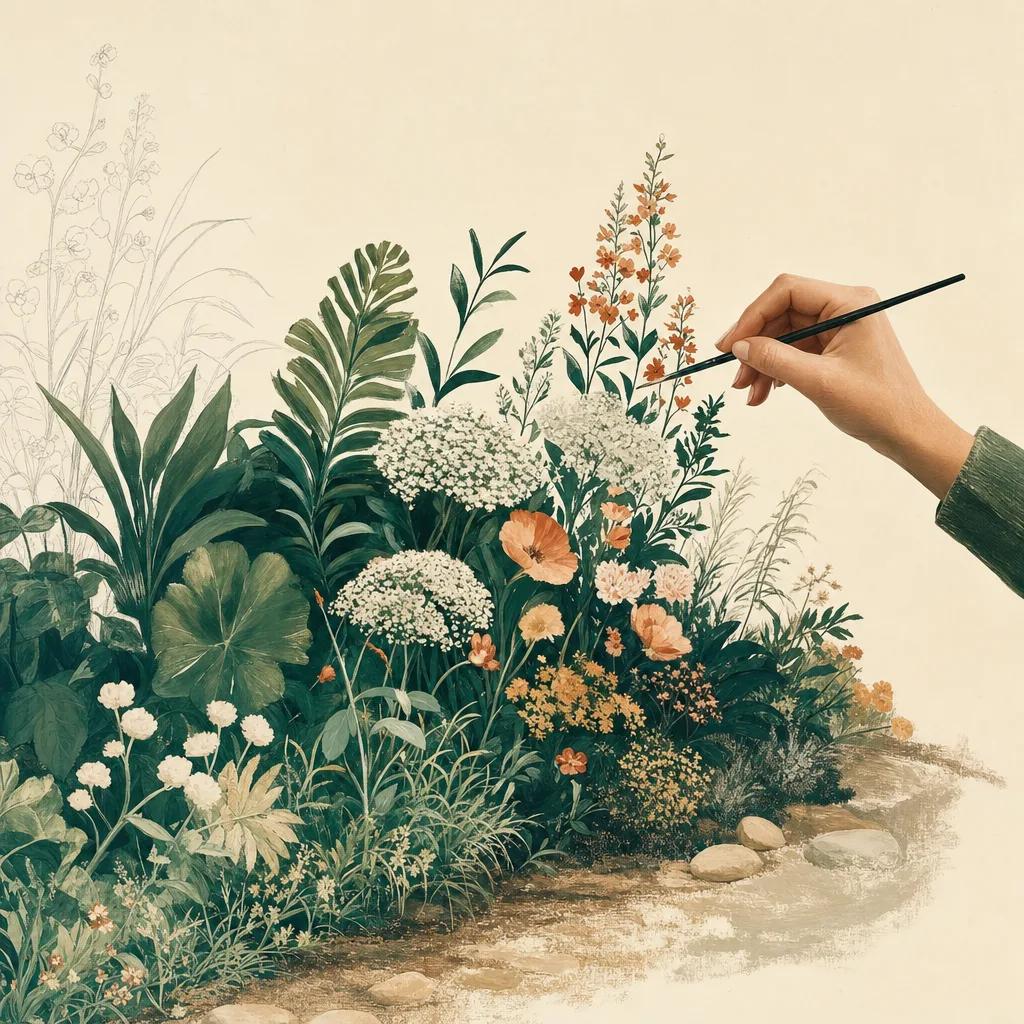
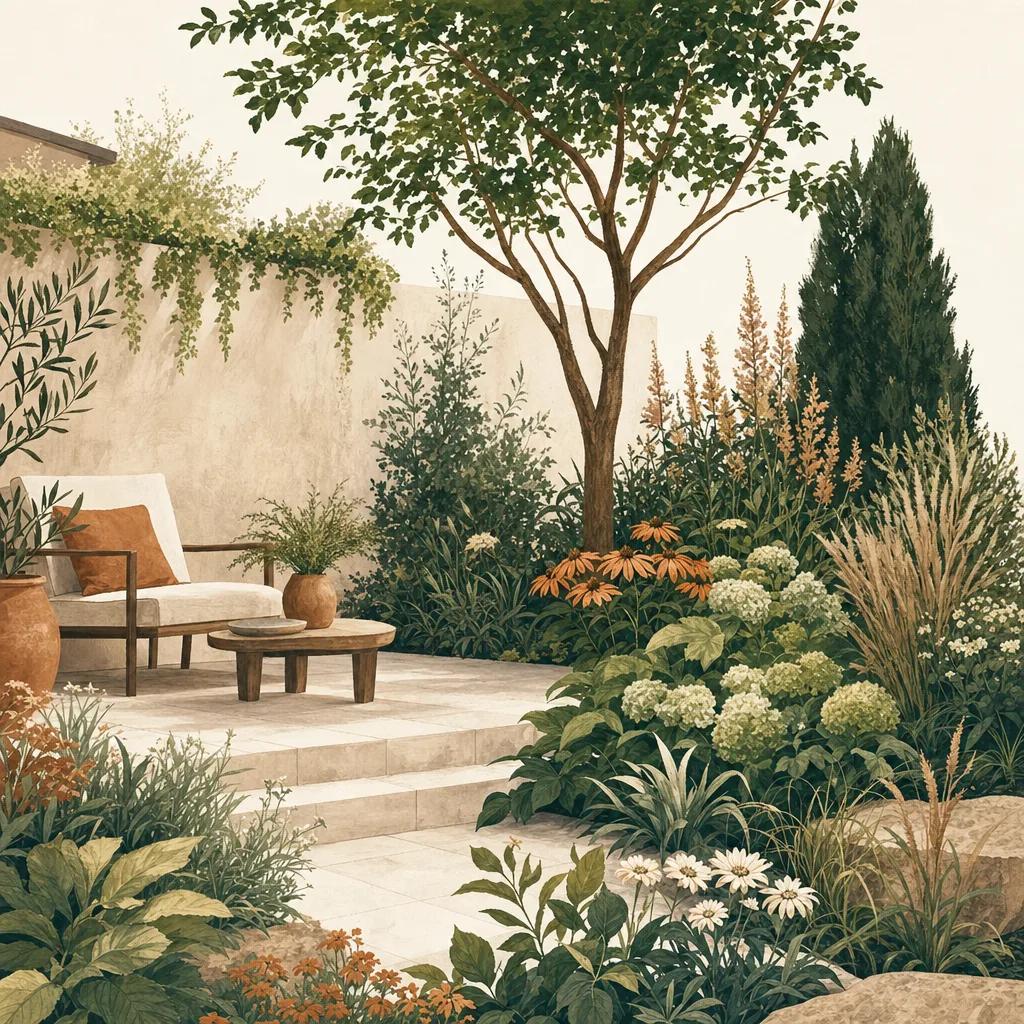
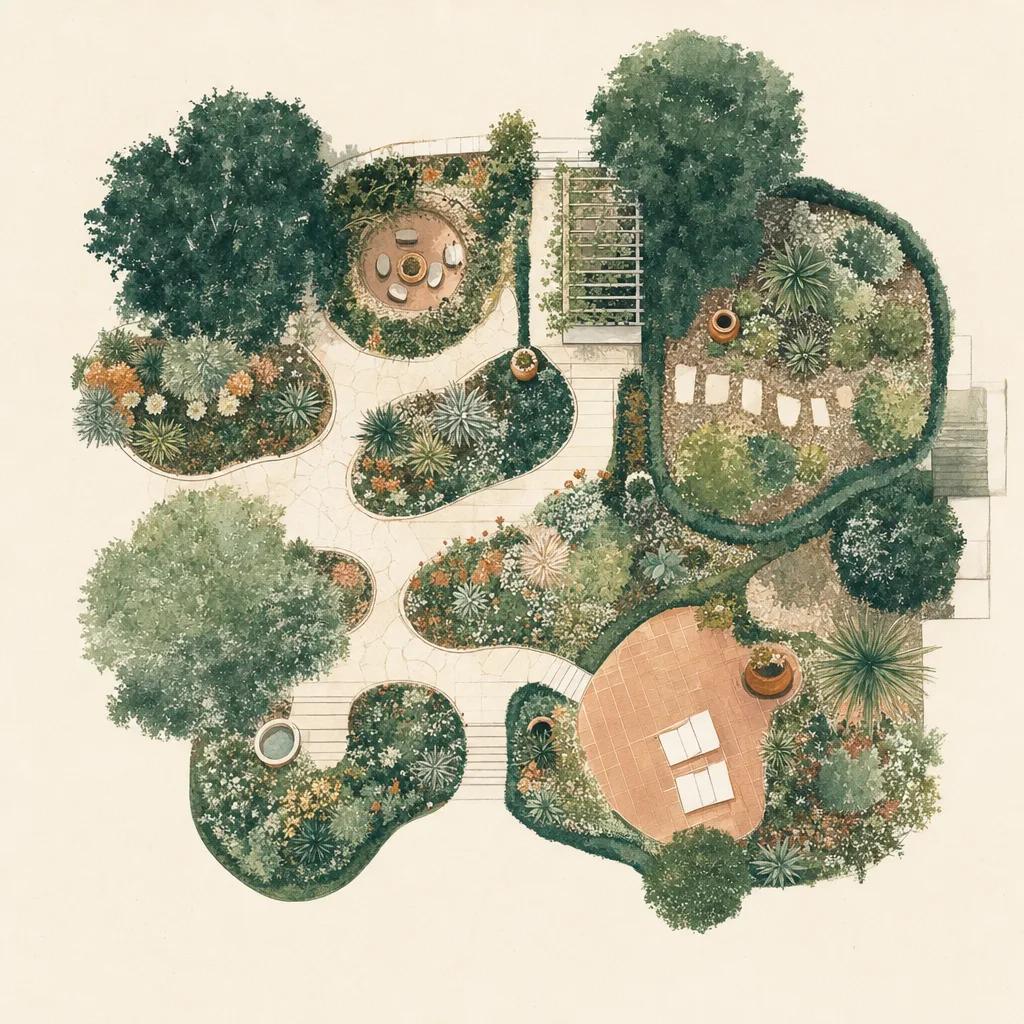
Illustration: ai landscape design app

AI landscape design has a credibility problem, and everyone who has used one of these apps knows exactly what it is. You upload a photo, wait ten seconds, and get back something beautiful — and completely unactionable. What is that purple shrub? Will it survive your winter? Where do you buy it? The image is not a design. It is a mood board with better rendering.

Sow was built to close that gap. The AI still redesigns your real yard from a single photo, and it still takes seconds. But every plant it places is pulled from a catalog of over 11,000 real outdoor species and cultivars — each one with a hardiness zone, a mature height and spread, sun and soil requirements, bloom timing, and a current price at the nurseries we track. You get the picture and the shopping list, and the two agree with each other.

Why most AI landscape design apps disappoint

A generative image model is trained to produce something that looks plausible. It is not trained to know that Zone 5 kills a crape myrtle, that a "small shrub" in the render becomes eight feet tall in four years, or that the plant it painted does not exist in commerce at all. That is not a flaw you can prompt your way out of — it is what the tool is.

The result is the pattern every gardener recognises: a stunning render, then a dead end. You cannot price it, cannot buy it, and cannot brief anyone to build it.

How Sow does AI design differently

Sow generates the design against a real plant database rather than freehand. When the AI places a plant, it is placing an actual catalog entry — so you can tap it and see its name, its zones, how big it gets, when it flowers, and what it costs today. Then you take over: swap species, move things, resize, and the design stays editable rather than being a disposable image.

Because the plants are real, everything downstream works. You get a plant list you can take to a nursery, a care schedule that follows your actual weather, and a design a landscaper can actually install.

AI garden design for the whole yard

Front yards, back gardens, borders, foundation plantings, and patio containers all work the same way: photograph the space, choose a style, and let Sow generate options grounded in plants that suit your zone and sun. Where AI helps most is at the start — getting you from a blank yard and no vocabulary to three credible directions in under a minute.


Step by step

How to use AI to design your landscape

  1. 01

    Photograph your yard

    Take a photo of the space you want to change — the AI designs on your real property, not a template.

  2. 02

    Pick a style

    Choose a direction — cottage, modern, native, drought-tolerant — and set your zone so the AI only uses plants that survive there.

  3. 03

    Generate options

    Sow produces photo-realistic designs in seconds, built from real, zone-matched species.

  4. 04

    Check the plants

    Tap any plant to see its real name, hardiness, mature size, bloom time, and current nursery price.

  5. 05

    Edit and keep it

    Swap or move anything you like. The design stays editable — and the plant list stays in sync with it.

Try it in Sow — free

Free to download on iPhone and Android — design your space with real plants, identify what's already growing, and save it all into your own library.

Download Sow on the App StoreGet Sow on Google Play

Frequently asked questions

Is there a free AI landscape design app?+

Sow is free to download on iPhone and Android and free to start designing — you can see AI design on your own yard, with real plants, without paying. You can also save plants to your library, set up a space, and browse the community for free. Paid plans unlock the full plant library, watermark-free designs, and the mapping and care tools.

Do AI landscape design apps use real plants?+

Most do not. Pure image-generation apps invent plausible-looking foliage, which is why they cannot tell you what anything is. Sow generates against a real 11,000+ plant catalog, so every plant in the design has a name, a hardiness zone, a mature size, and a price.

Can AI tell me if a plant will survive in my area?+

Sow can, because it is not guessing — it filters the catalog to your USDA hardiness zone before it designs, then gives care guidance driven by your real local forecast. A generic image model has no idea where you live.

Can I edit an AI-generated design?+

Yes, and you should. Sow designs remain fully editable: move plants, swap species, change sizes. It is a design you own, not an image you were handed.

Explore the plant data yourself

Every plant in a Sow design is real and published — 11,000+ outdoor species with hardiness zones, mature size, bloom timing, and prices we re-check daily.