

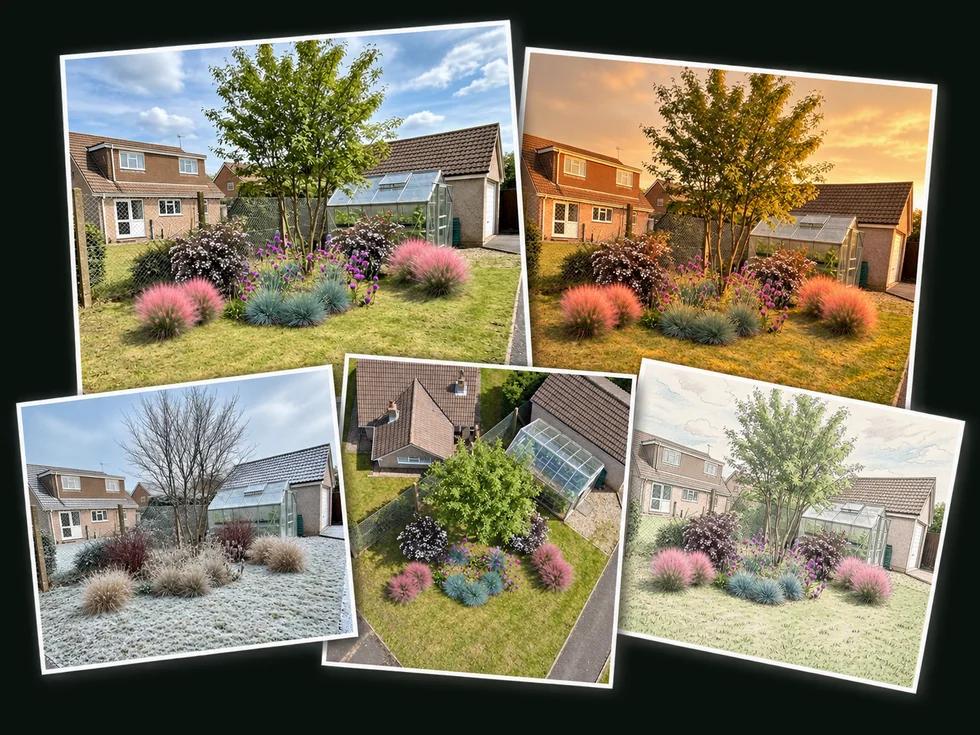
Restyle it in a tap
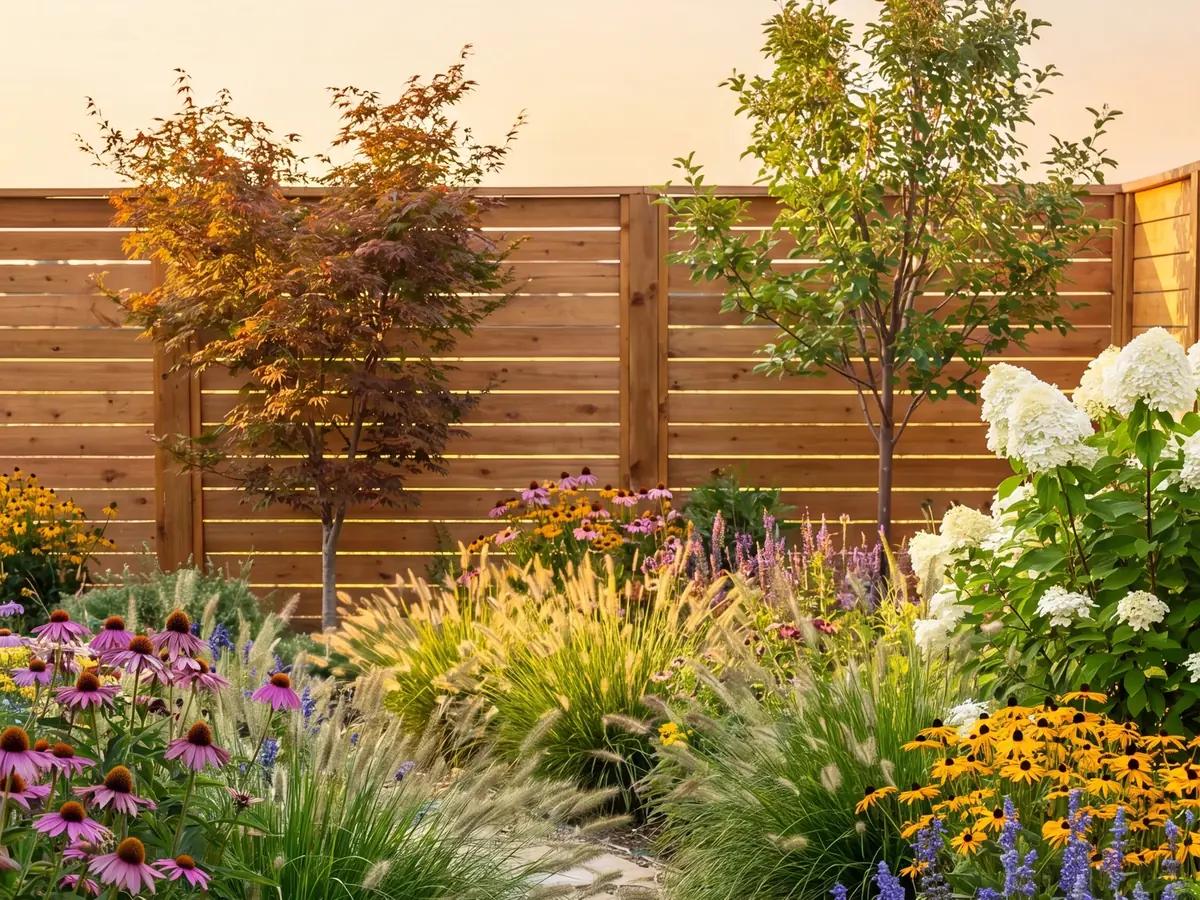
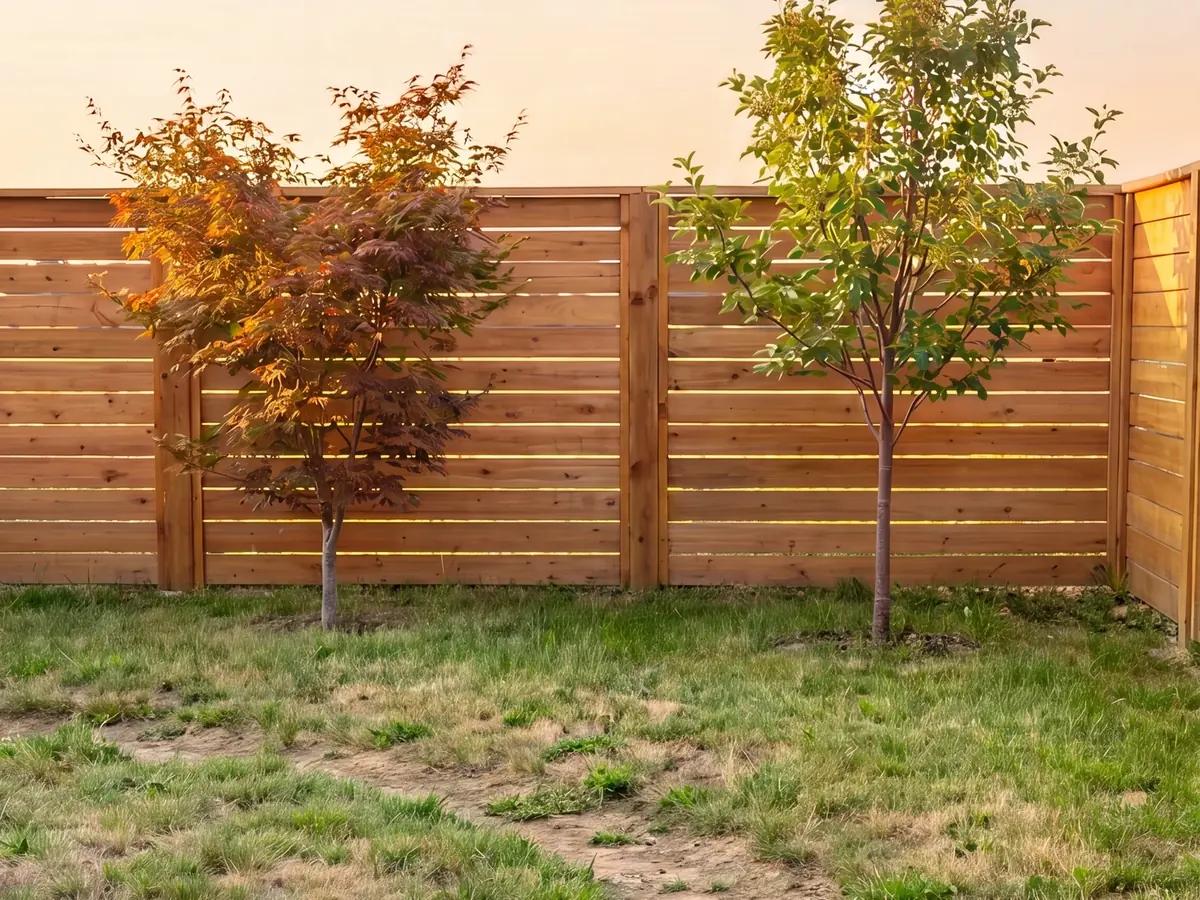
Golden hour, winter, night, or five years of growth — re-render the same planting without losing it.
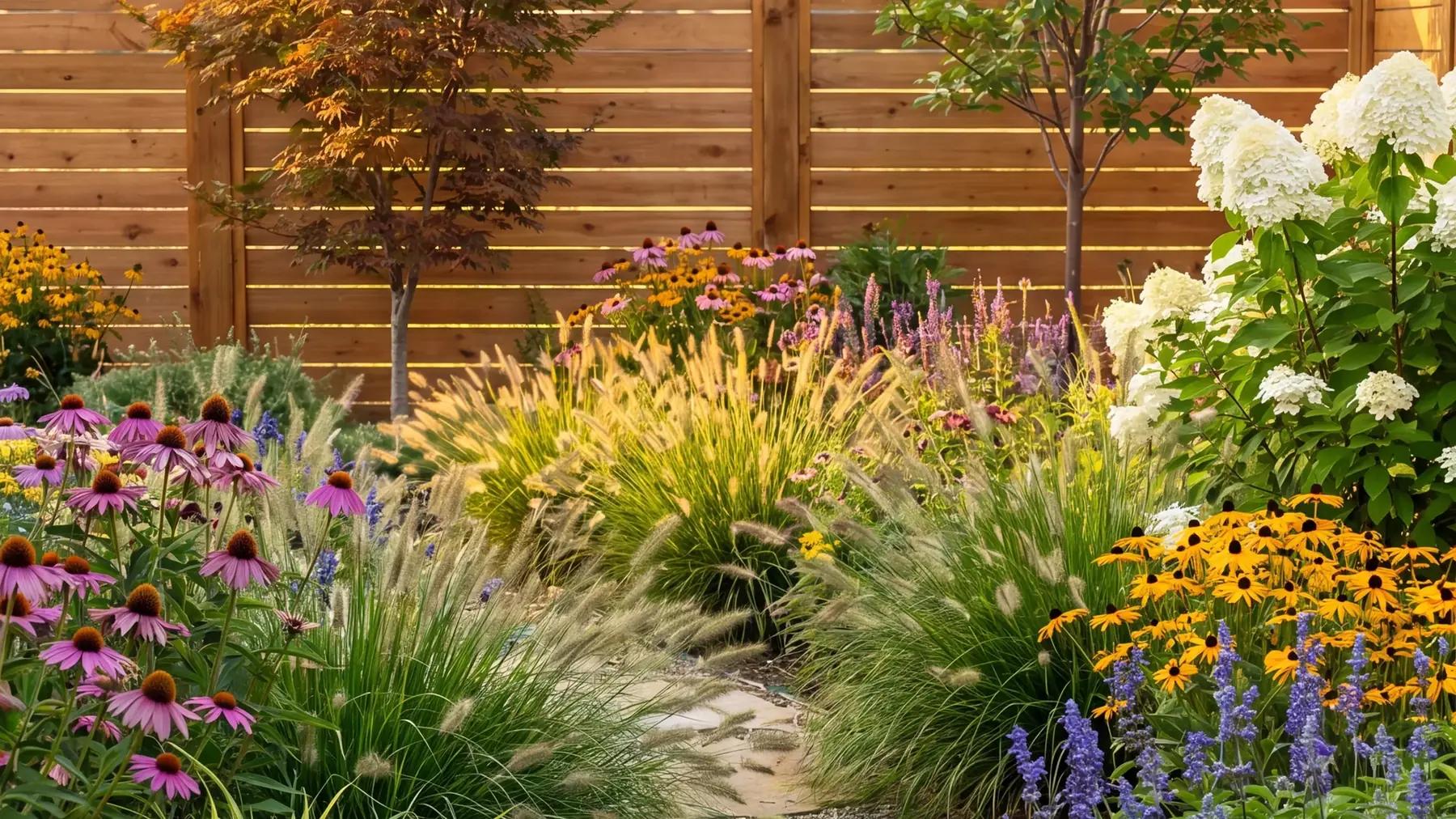
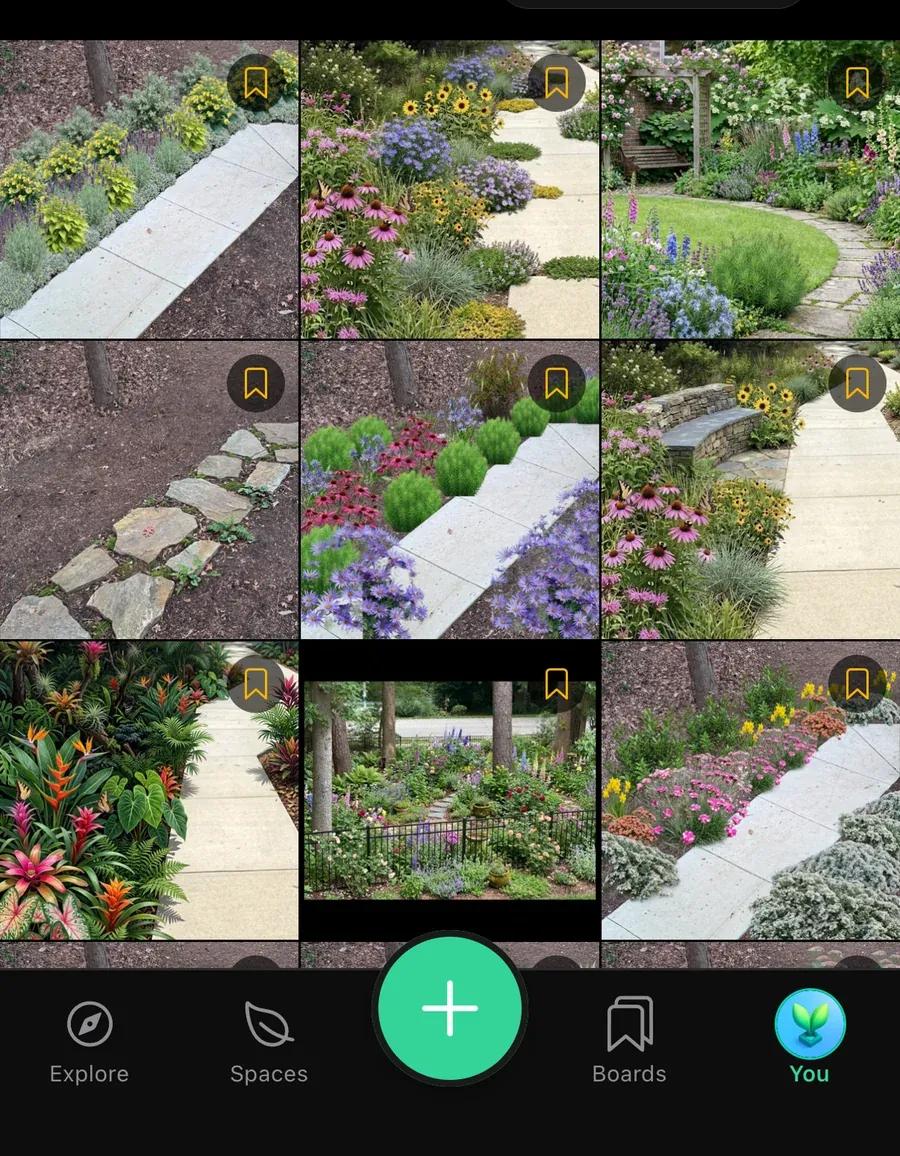
Photograph your yard. Sow designs it with real plants that fit your zone, sun and soil — and helps keep them alive.
Drag a Japanese maple two feet left. Rotate a bench. Drop in a boulder, a path, a container. Manual control a professional can work in — and a homeowner can actually understand.
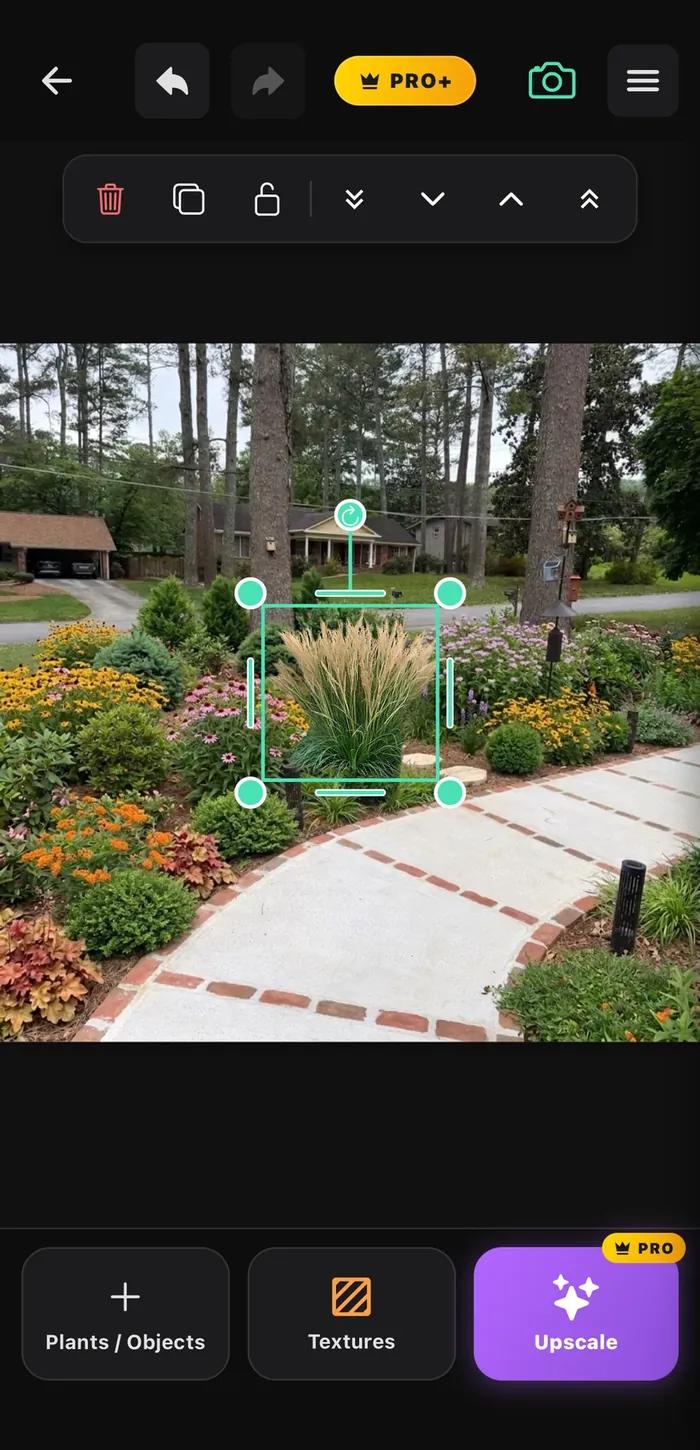
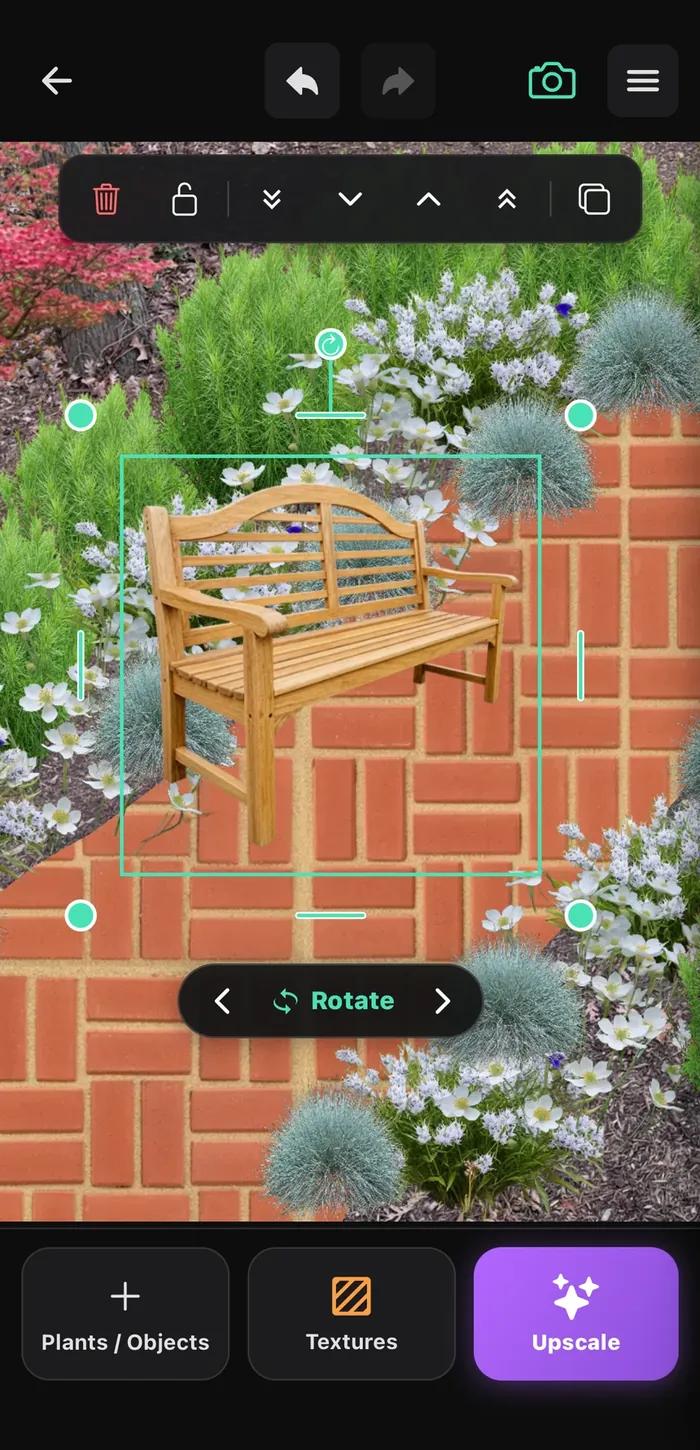
Sow uses AI where it genuinely saves you time — reading your photo, suggesting plants that will thrive, rendering a bed in seconds. Then it steps back. Every choice stays yours to move, swap or overrule.
Golden hour, winter, night, or five years of growth — re-render the same planting without losing it.
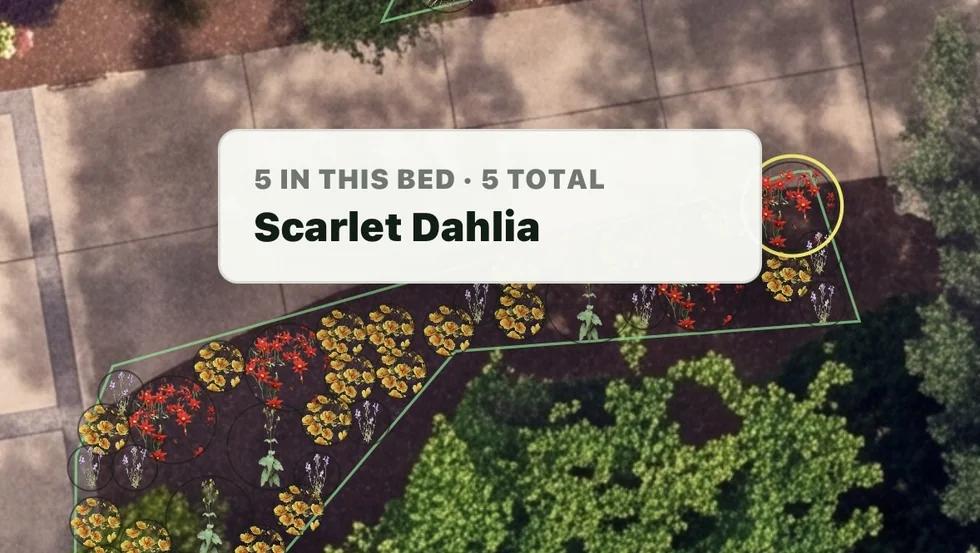
Sow finds the beds in a satellite view of your yard on its own, then fills each one with a planting plan you can tweak.
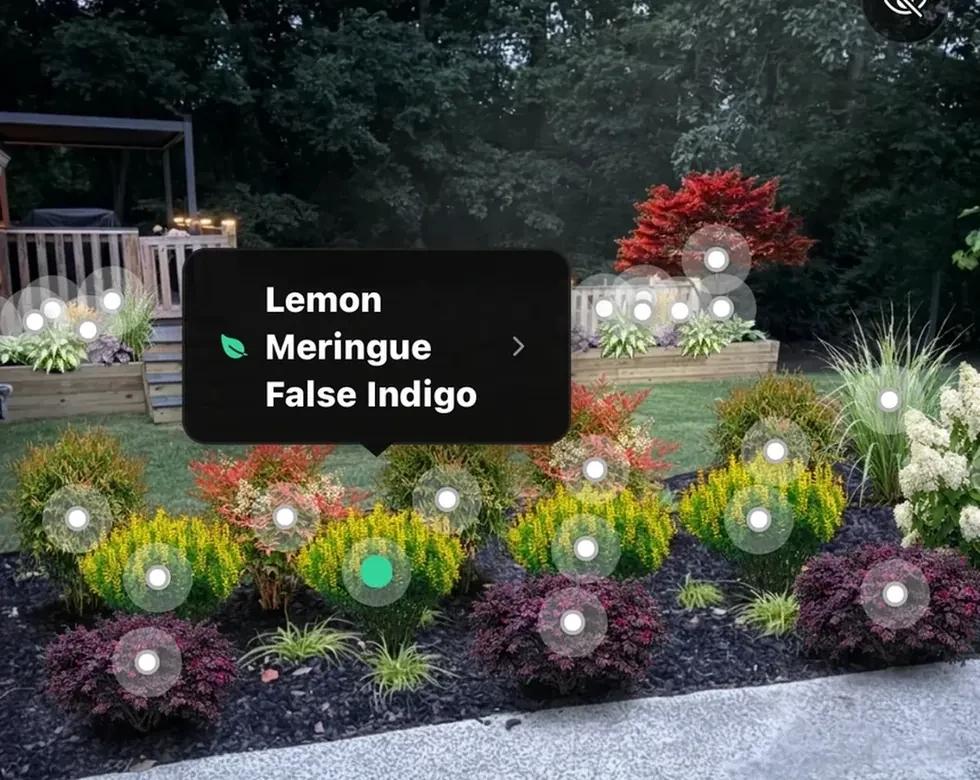
Every plant is a real, named species from our library of over 12k plants.
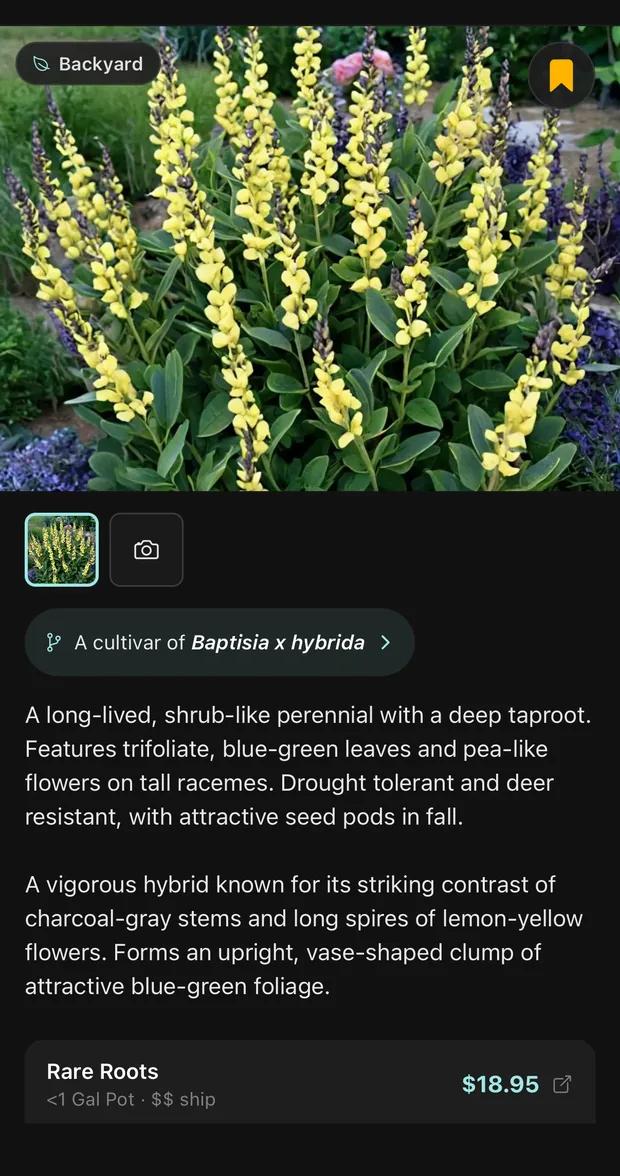
Tap anything in any design — yours or someone else's — and see exactly what it is, what it needs, and what a nursery charges for it today.
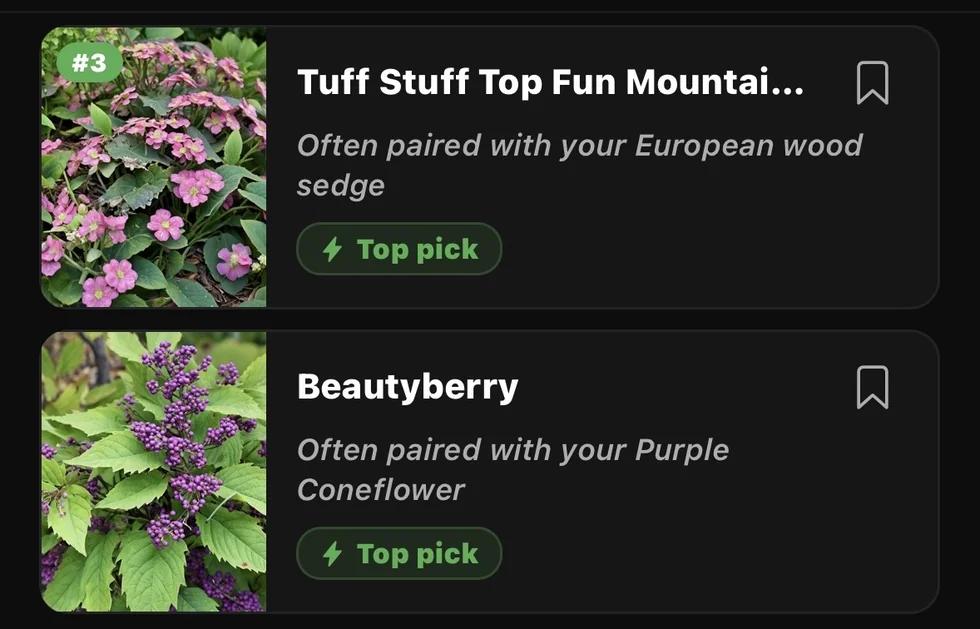
The easiest way to find new plants. Picks that suit your zone, your light and what you already grow — with the ones that pair well flagged.
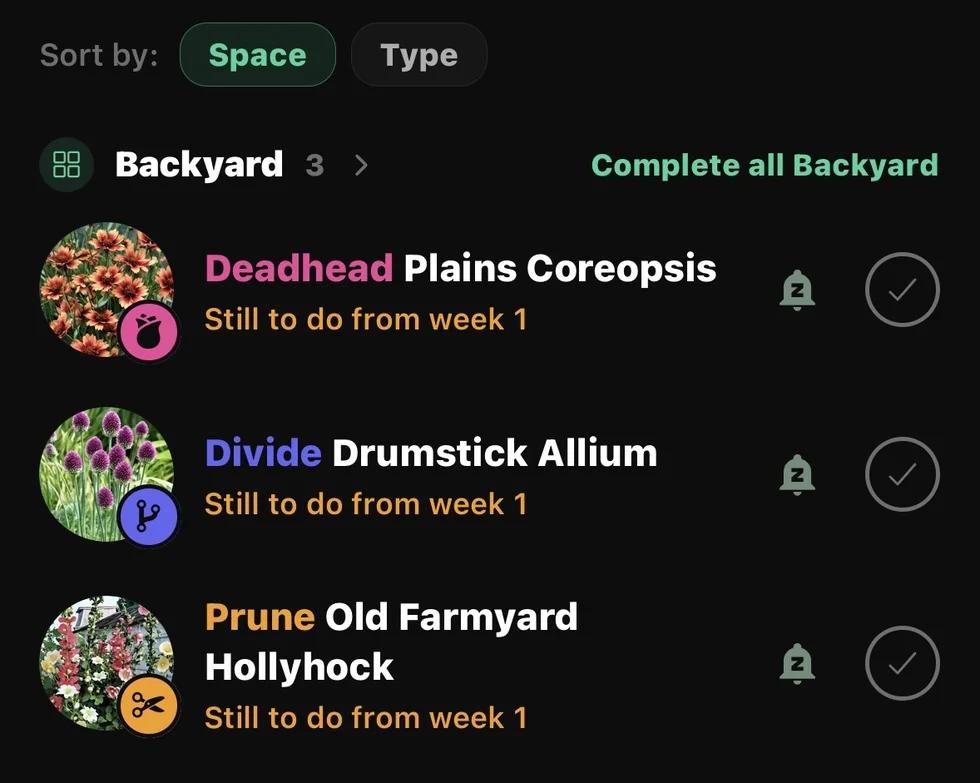
Deadhead, divide, prune, water — timed to your climate and the plants you actually own, not a generic calendar.
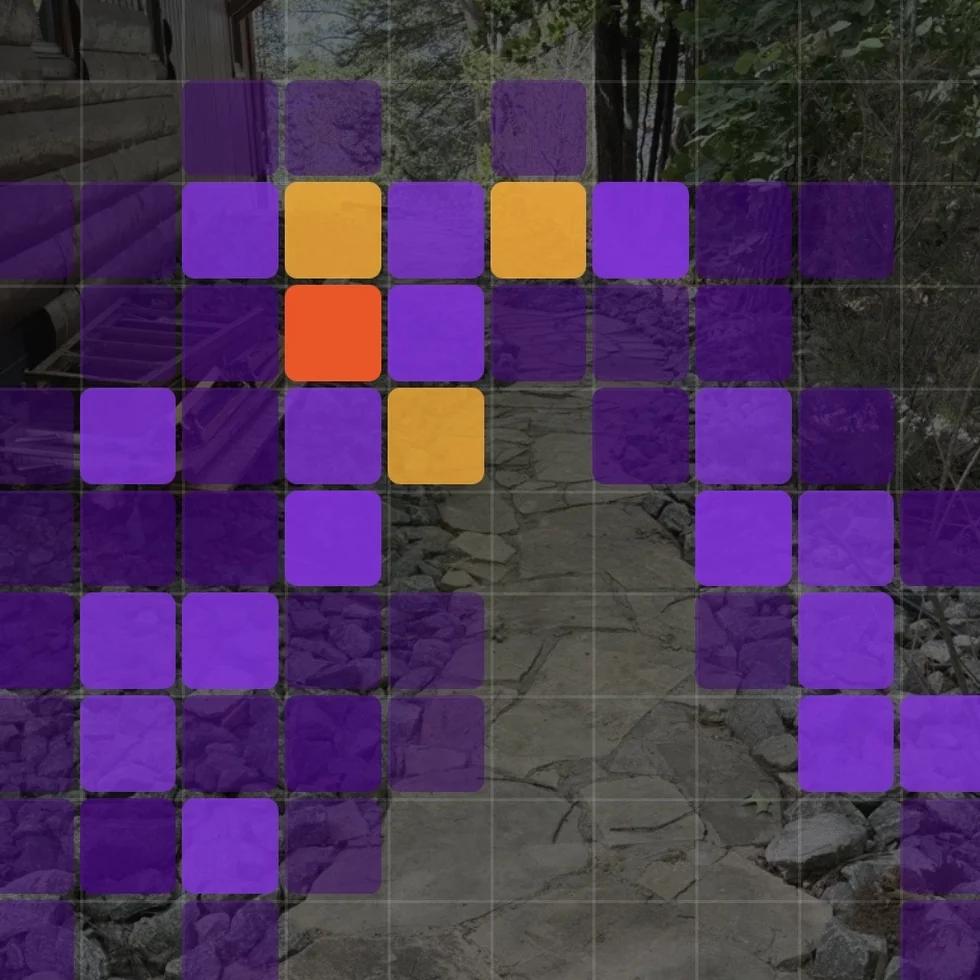
Take on the same yard as everyone else and see where they placed every plant — a heatmap of good ideas you can borrow for your own.
Front bed, back border, the awkward shady corner. Each one tracks what is planted, care tips, and what is blooming.
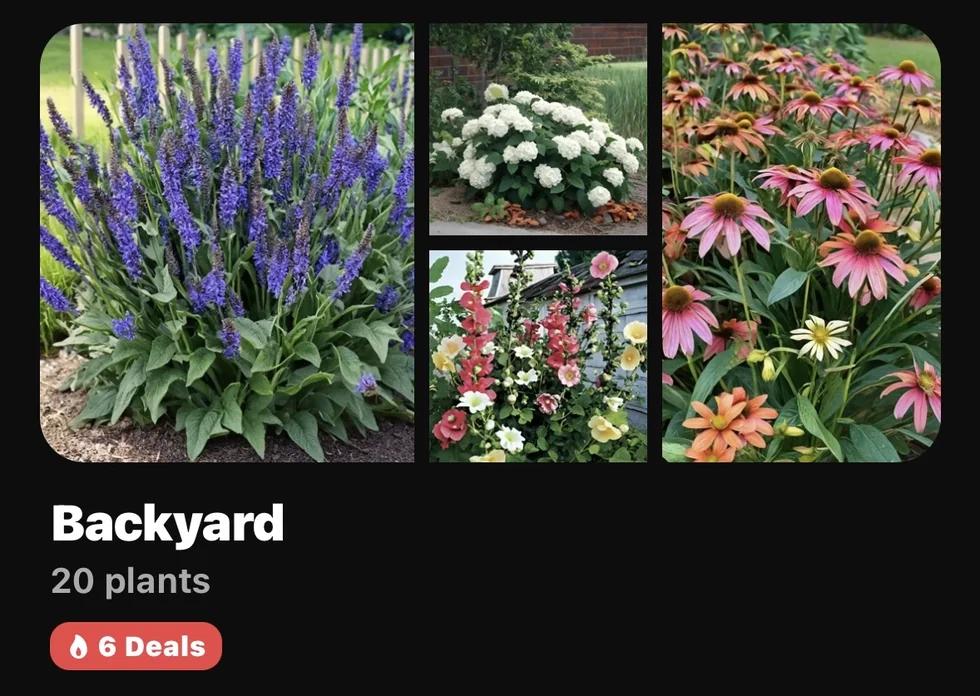
Sow reads the leaf, names the problem in plain language, tells you how confident it is, and gives you something to do about it this afternoon.
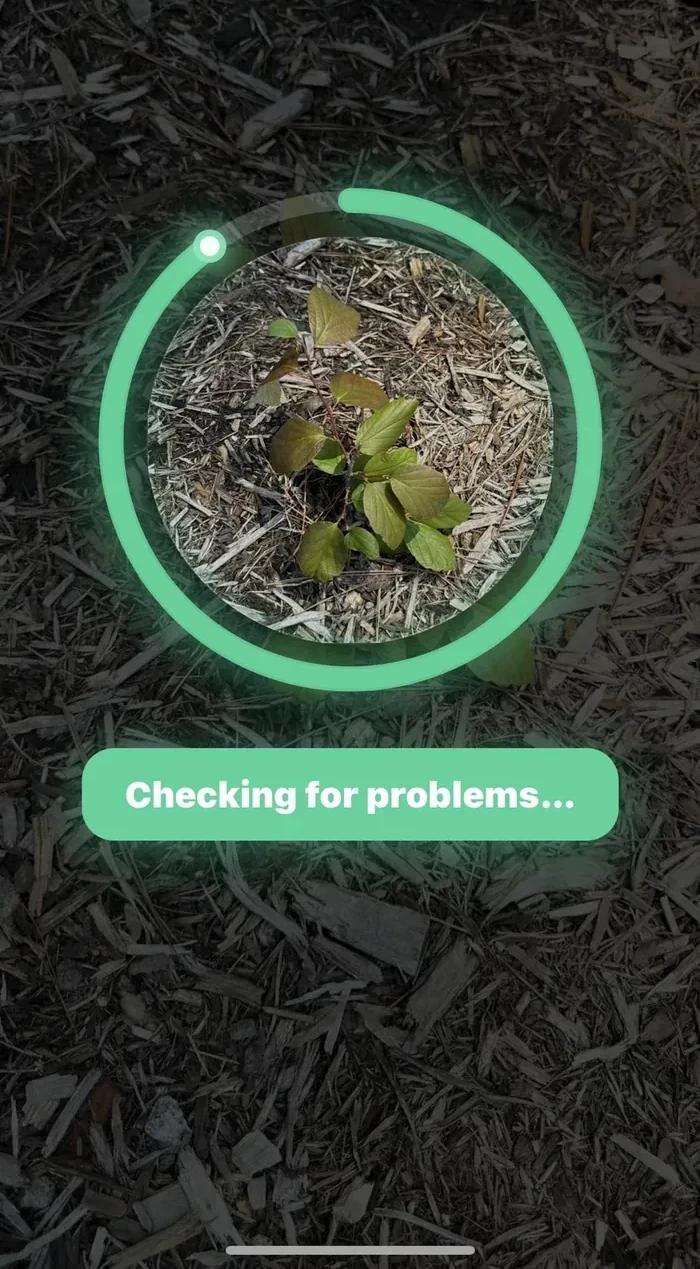
Fill the frame and Sow checks it against hundreds of thousands of expert-annotated data.
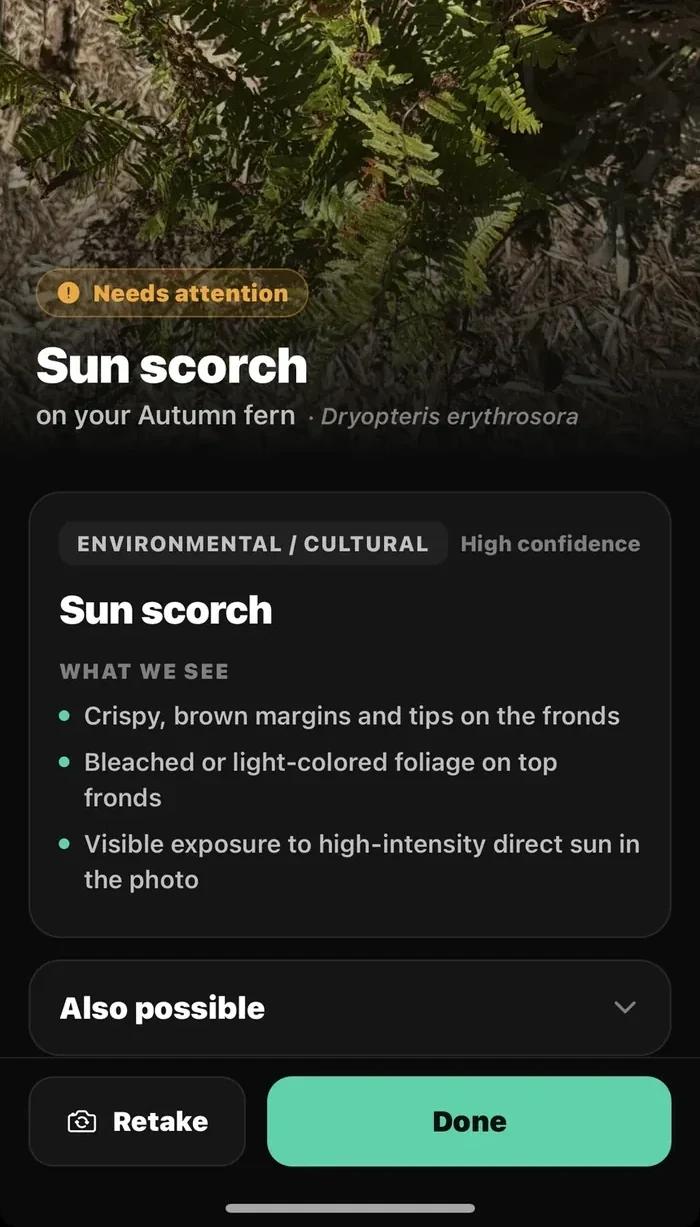
548 classes of abiotic disorders, pests, diseases and non-harmful look-alikes.
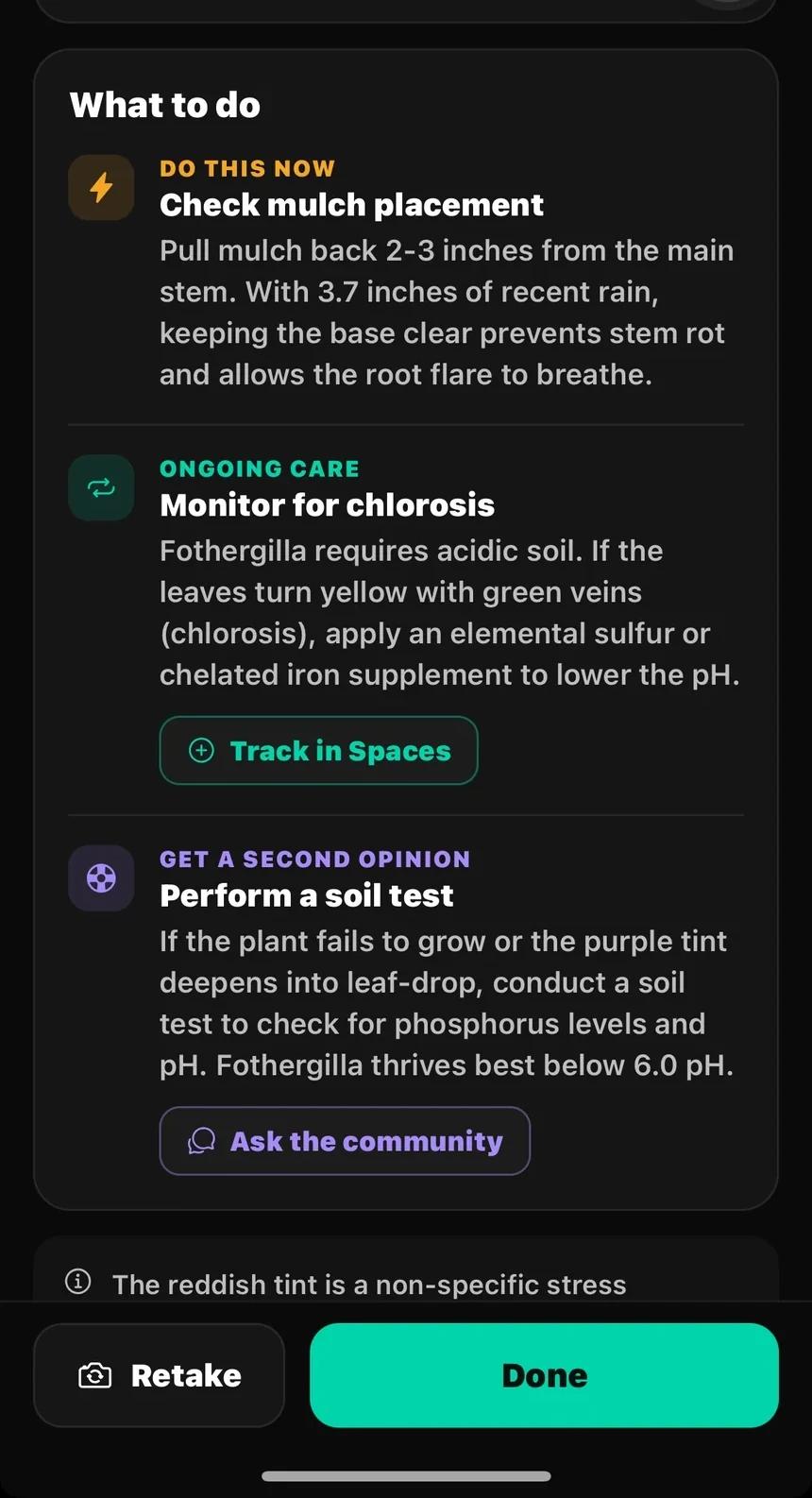
Do this now, ongoing care, and when it is worth a second opinion from the community.
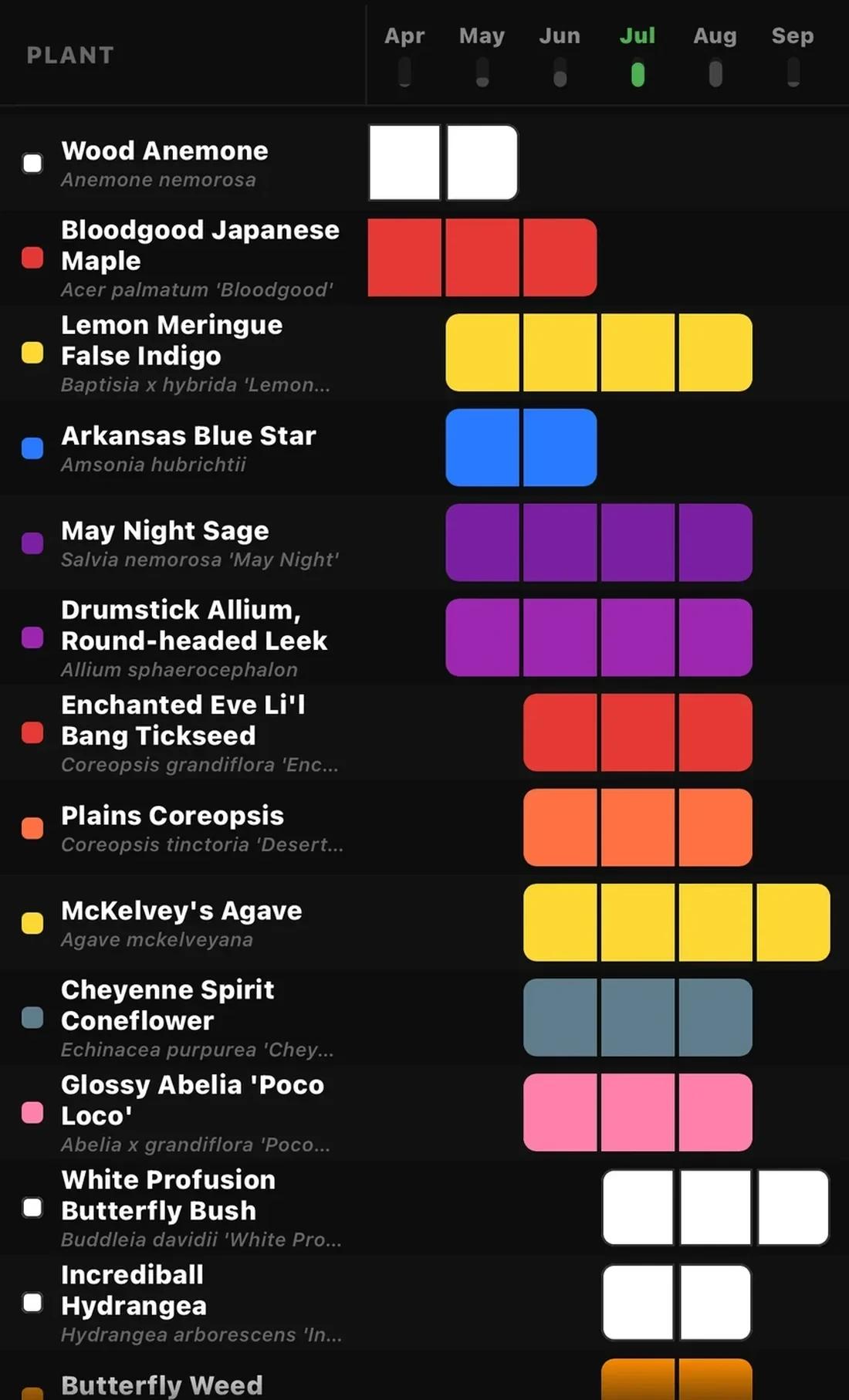
Every plant you own, laid out across the months it actually flowers. The gaps are the point — that empty column in August is the reason your garden looks tired, and now you can see it before you plant.
Sow watches the weather, the sun and the calendar for your exact address — so you are never guessing whether to water, or where a plant will actually thrive.
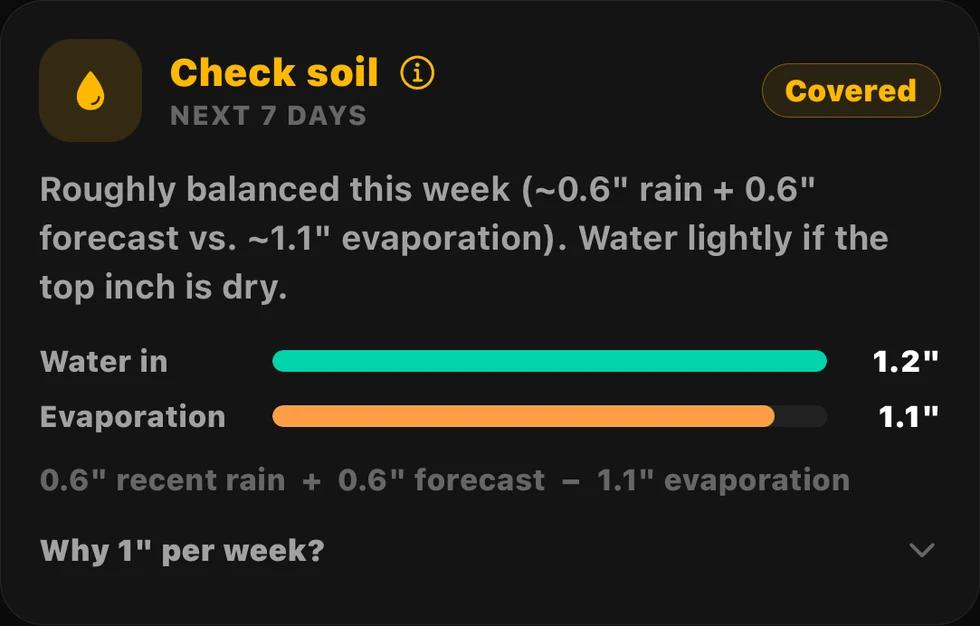
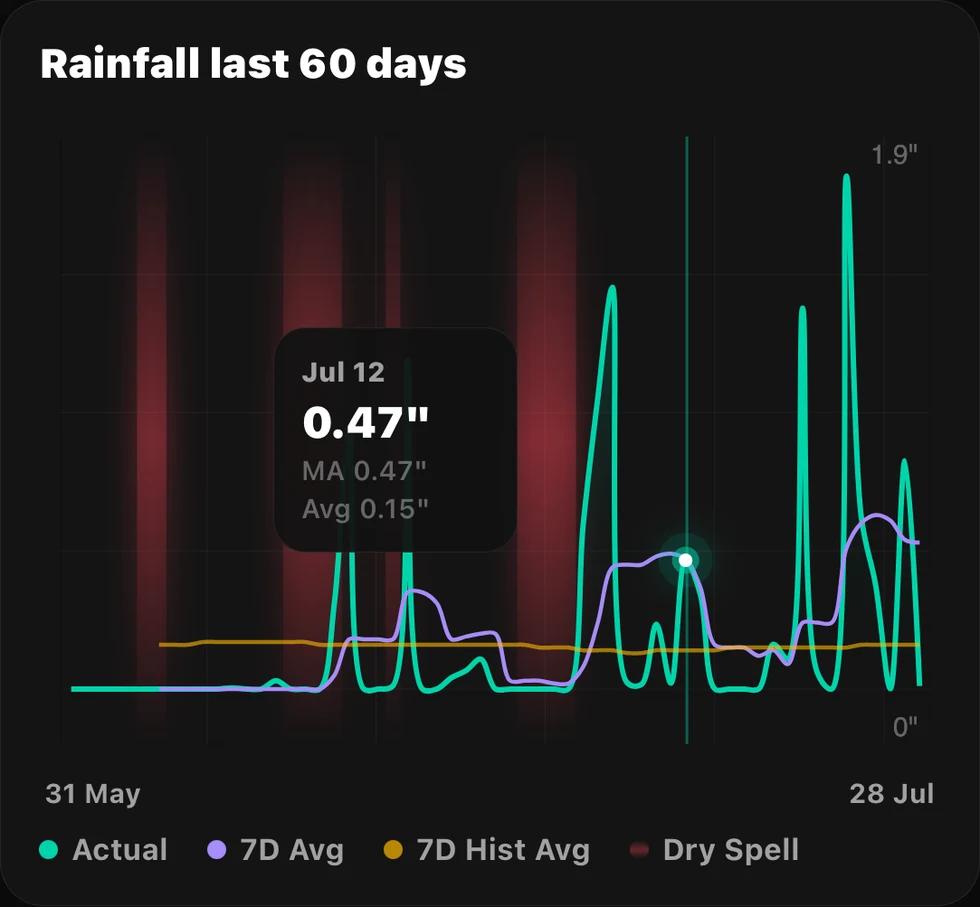
Rain in, evaporation out, measured against your zip's historic average — and a plain-language answer: water this week, or skip it.
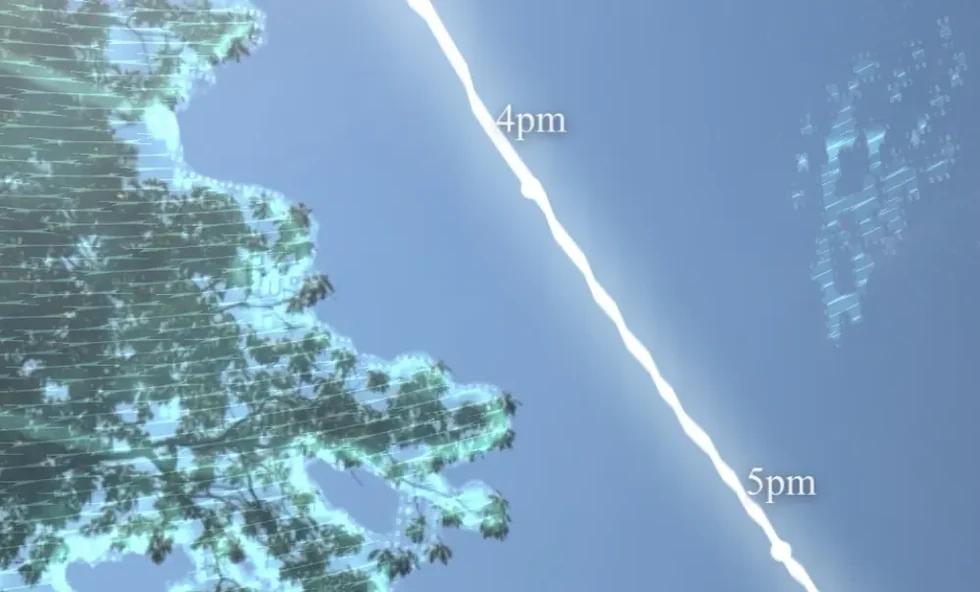
Point your camera at the sky and Sow traces the sun's path over your yard, hour by hour, to tell you how much direct sun a spot truly gets.
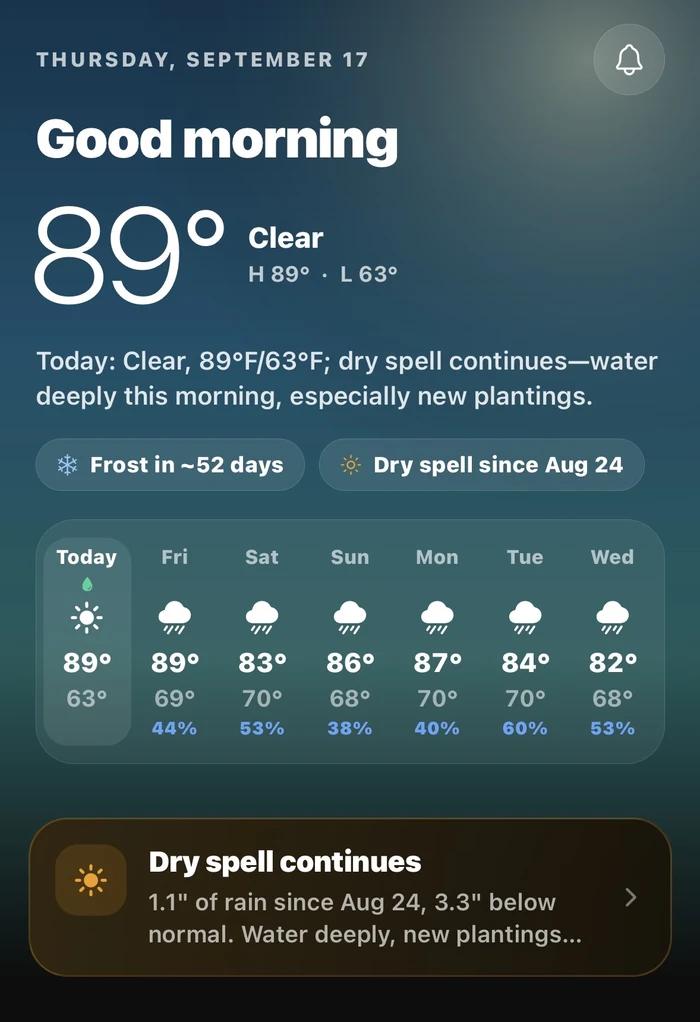
Hyper-local, highly accurate forecasts with recommended watering days — and early warnings for frost, heat and dry spells.
This is not a mood board or a stock photo. It is your space, replanted with species that survive your winters, sized to what they actually grow into — and every plant in it can be moved, swapped or removed.
What I like is it's not just generic suggestions. You can actually move stuff around and think through a space before you spend any money. This feels closest to real landscape planning to me.
It's literally 6+ apps in one… I do designs for clients, as well as maintain a fairly large garden myself. The designs also allow you to download a PDF packet which shows a bloom calendar and plant care guide for clients. Absolutely incredible.
I snapped a picture of a mystery plant in my yard and the Plant ID got it right instantly. I used the drag-and-drop planner to design my flower beds with real-scale layout and it honestly looks like I hired a professional landscaper.
I can put together ideas quickly from my phone and it saves them and makes them presentable. Plant ID also helped me log what I had and then map it so I don't forget where I planted everything. Overall 10/10.
Yes. Sow is free on the App Store and Google Play. Without paying you can design your space, identify plants, save them into your own library, set up a space or board, and browse the community. Optional Pro plans unlock more design generations and premium tools.
Learn more about what's free in SowSnap a photo of your yard in Sow, pick a style, and the app generates design concepts on your actual space — then refine them with the drag-and-drop editor.
Learn more about backyard designReal ones. Every plant in a Sow design is a real cultivar from a 10,000+ plant library, labeled in place and matched to your USDA zone, sunlight and space — so the design doubles as your shopping list.
Learn more about designing with real plantsYes. Point the camera at any plant and Sow returns a confidence-scored identification, then lets you save it, map it and follow its care schedule.
Learn more about plant identificationSow detects your hardiness zone from your zip code and filters all 10,000+ plants to what thrives where you live — layered with sun, size, native and pet-safe filters.
Learn more about planting by zoneYes. Sow designs bed layouts on a photo of your bed using pro rules — layered heights, odd-numbered drifts, spacing at mature size — with real plants you can buy.
Learn more about flower bed planningYes. Draw beds and paths and pin every plant on a scaled satellite view of your property, with solar overlays to track sunlight.
Learn more about yard mappingYes. Sow tracks rainfall, forecast, heat and dry spells for your exact location and turns them into watering tasks — including when to skip because it rained.
Learn more about smart wateringYes. Filter the library by Native and Butterfly Host, then generate designs that use them — pre-matched to your zone and sun.
Learn more about native garden designYes. Sow is on iPhone (iOS 17+) and Android, and every account includes the web app at usesow.com — designs, maps and plants sync across all of them.
Learn more at usesow.comOne photo is all it takes. Sow is free to download.