backyard design app

Backyard Design App: From Photo to Planted, Not Just a Pretty Picture

Snap your backyard, pick a style, and get a design made of real plants you can buy and grow.

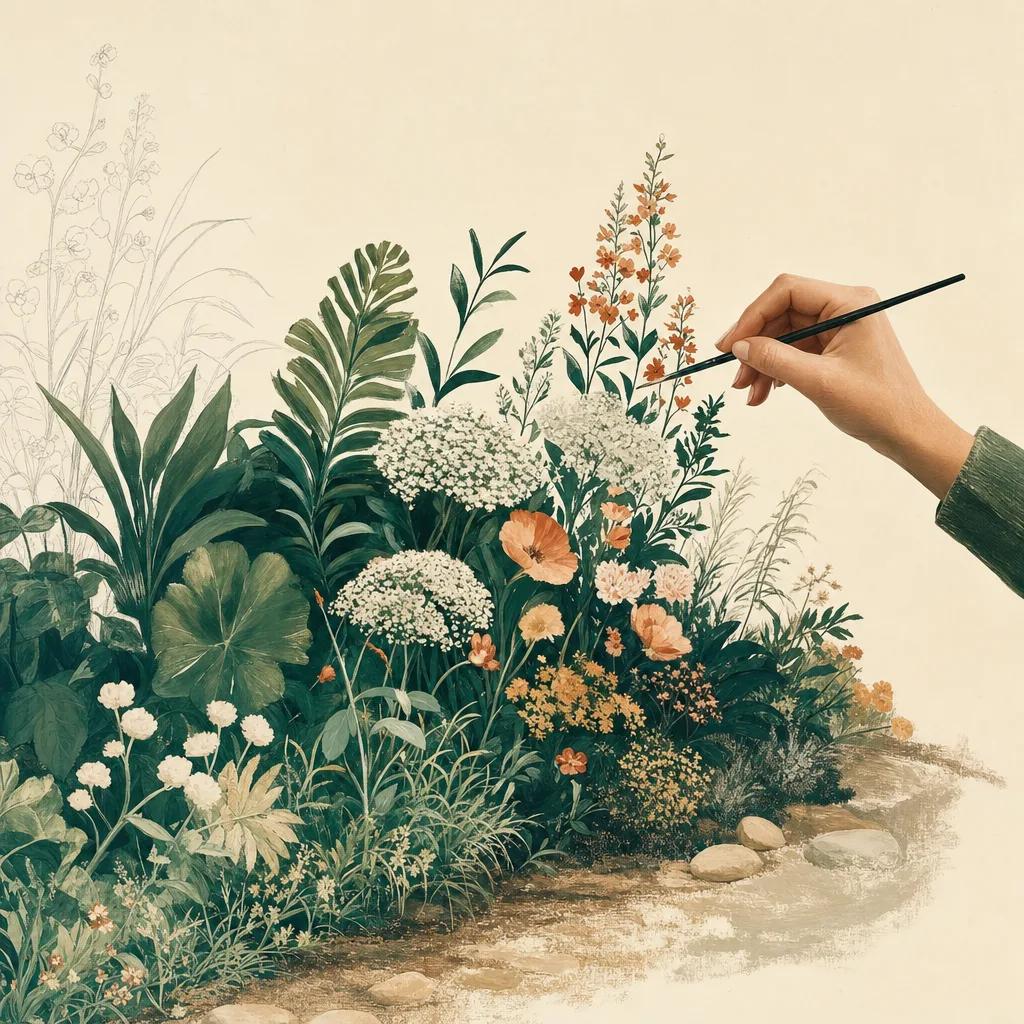
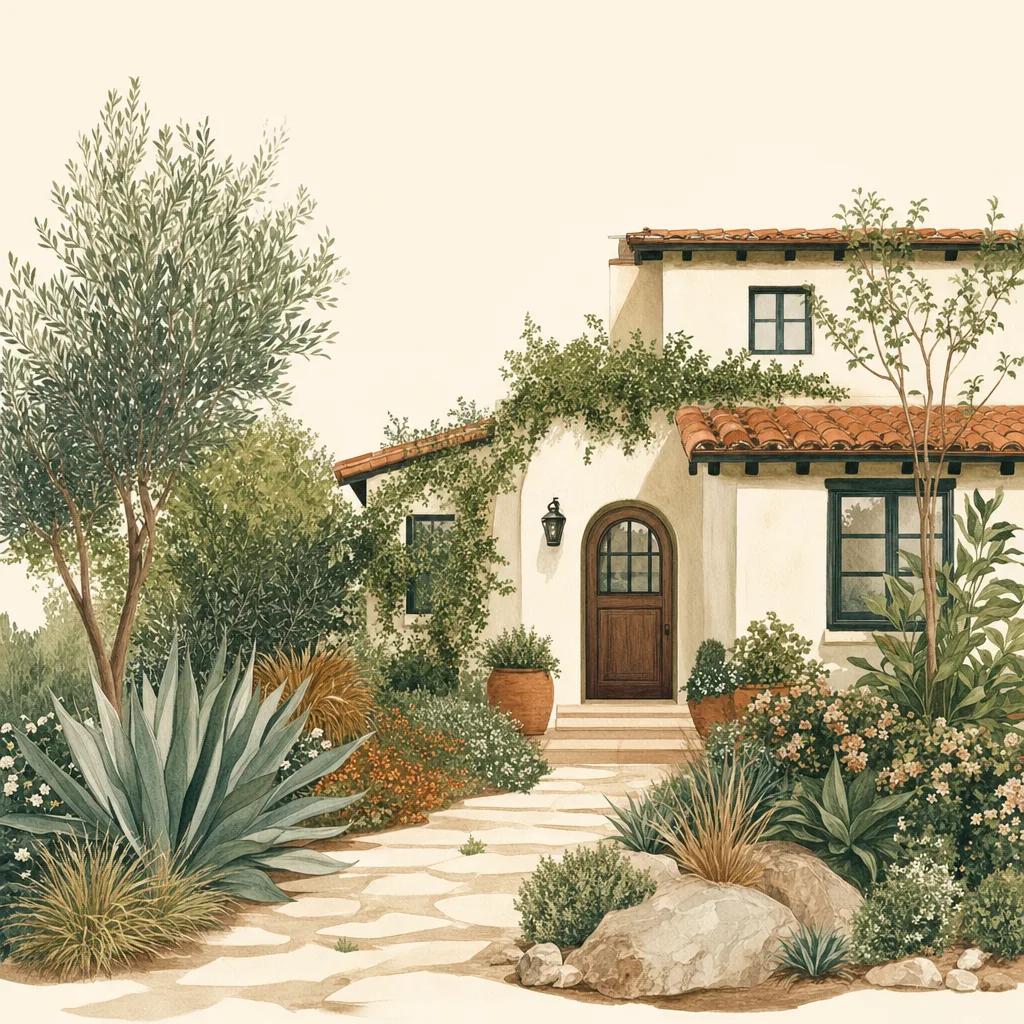
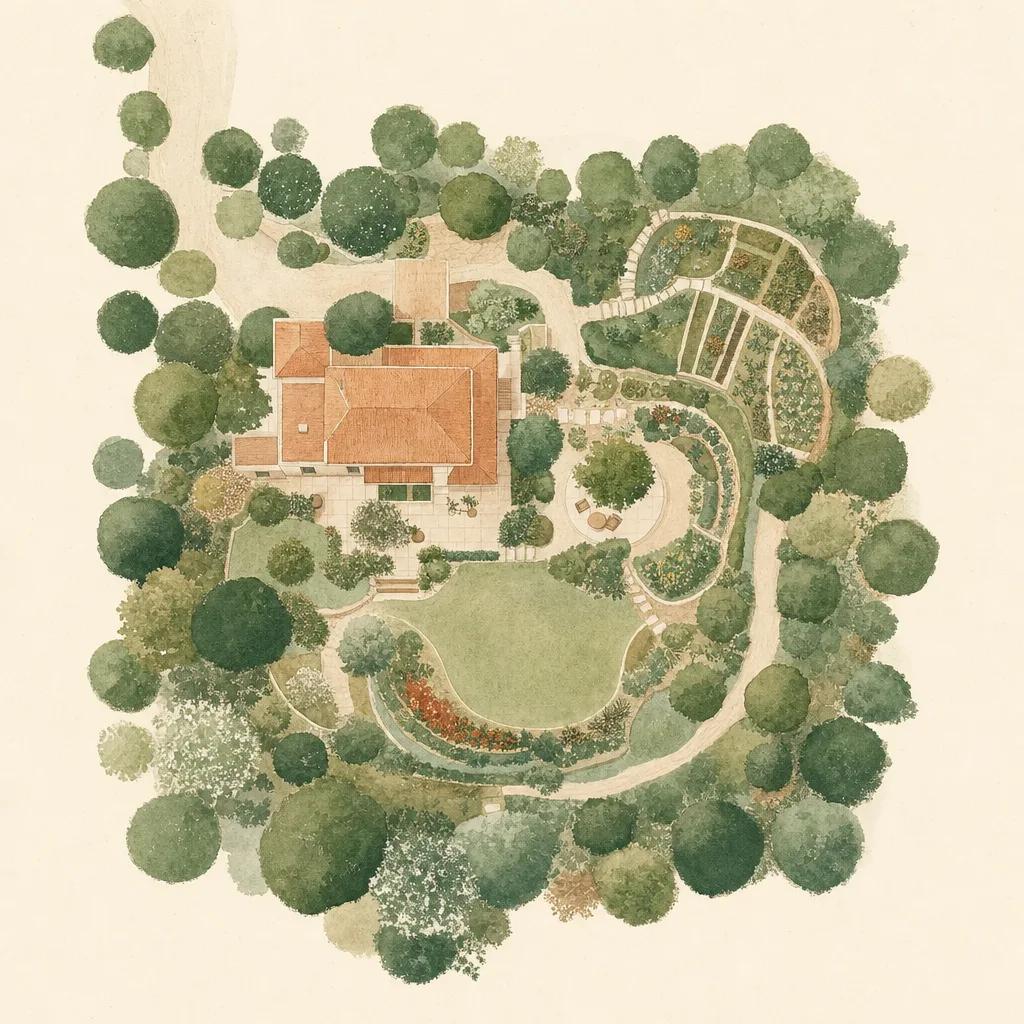
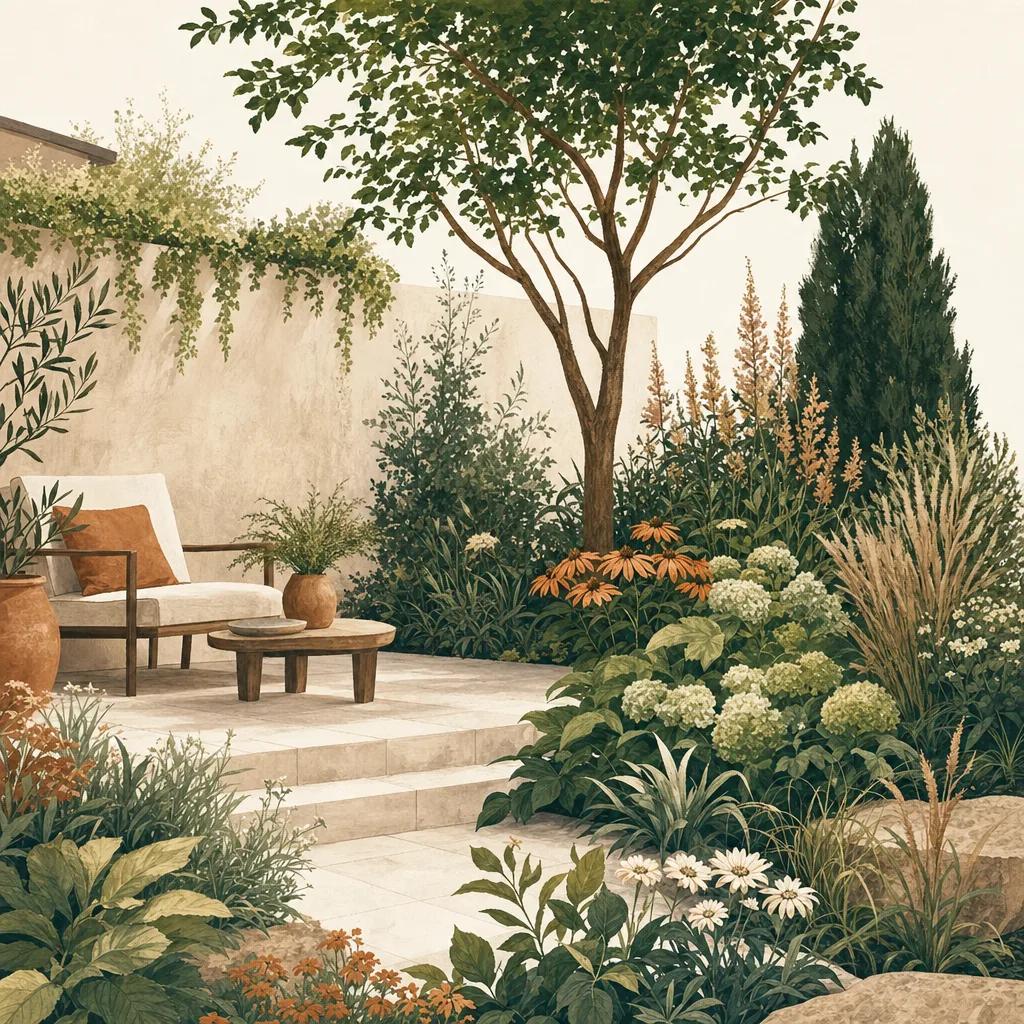
Illustration: backyard design app

The fastest way to design a backyard is to start from a photo of the space you already have. With a backyard design app like Sow, you photograph your yard, choose a style, and generate makeover concepts in minutes — then refine them with drag-and-drop editing until the design fits how you actually live outside.

What separates Sow from AI-image backyard apps is what happens after the pretty picture: every plant in a Sow design is a real cultivar with a name, hardiness zone range, mature size and sun requirement. Your design doubles as your shopping list.

How to think about backyard design before you start

Great backyards are designed around use first, plants second. Decide the jobs your yard needs to do — dining, play space, privacy from neighbors, a veggie corner, low-maintenance beds — and rough out zones for each. Then let planting reinforce the structure: taller screening plants at the property line, layered beds along fences and patios, groundcovers where grass struggles.

A photo-based design app shortcuts the hardest part: visualizing. Instead of graph paper and imagination, you see your actual backyard transformed, which makes decisions (and spousal buy-in) dramatically easier.

Design with plants that will actually survive your yard

A backyard design is only as good as its plant choices. Sow matches every suggestion to your USDA hardiness zone, your sunlight, and the space available, drawing from a library of 10,000+ outdoor plants — trees, shrubs, perennials, ornamental grasses and more. Filters like Native, Butterfly Host and Pet Safe let you steer the palette toward what matters to you.

Refine every detail with the drag-and-drop editor

Generated concepts are a starting point. Sow's editor lets you drag plants around, swap one cultivar for another, layer in hardscape textures like brick, gravel or mulch, and upscale the final render. Tap any plant to see its card — zones, size at maturity, sun needs — before you commit.


Step by step

How to redesign your backyard with Sow

  1. 01

    Photograph your backyard

    Open Sow and snap the area you want to transform — a bare fence line, a tired bed, or the whole yard.

  2. 02

    Choose your style

    Pick from garden styles like cottage, modern, pollinator or low-water to set the design direction.

  3. 03

    Generate design concepts

    Sow generates backyard designs using real plants suited to your zone, sun and space.

  4. 04

    Edit until it feels right

    Drag, drop, swap and resize plants; add textures and objects; compare before and after.

  5. 05

    Plant it for real

    Use the built-in plant list and nursery price comparison to buy exactly what is in your design, then track care in the app.

Try it in Sow — free

Free to download on iPhone and Android — design your space with real plants, identify what's already growing, and save it all into your own library.

Download Sow on the App StoreGet Sow on Google Play

Frequently asked questions

Can I design my backyard from a photo?+

Yes. Sow generates backyard design concepts directly on a photo of your yard, using real plants matched to your growing conditions.

Does Sow work for small backyards and patios?+

Yes. Because every plant card shows mature size, Sow works well for small spaces where a plant that outgrows its spot is an expensive mistake — filter the library by size and design around containers, borders and small beds.

Is the backyard design app free?+

Sow is free to download and free to start designing on both iPhone and Android, with optional Pro upgrades.

Explore the plant data yourself

Every plant in a Sow design is real and published — 11,000+ outdoor species with hardiness zones, mature size, bloom timing, and prices we re-check daily.