free landscape design app

The Free Landscape Design App That Uses Real Plants

Design your yard from a photo — free to download, with plants matched to your zone, sun and style.

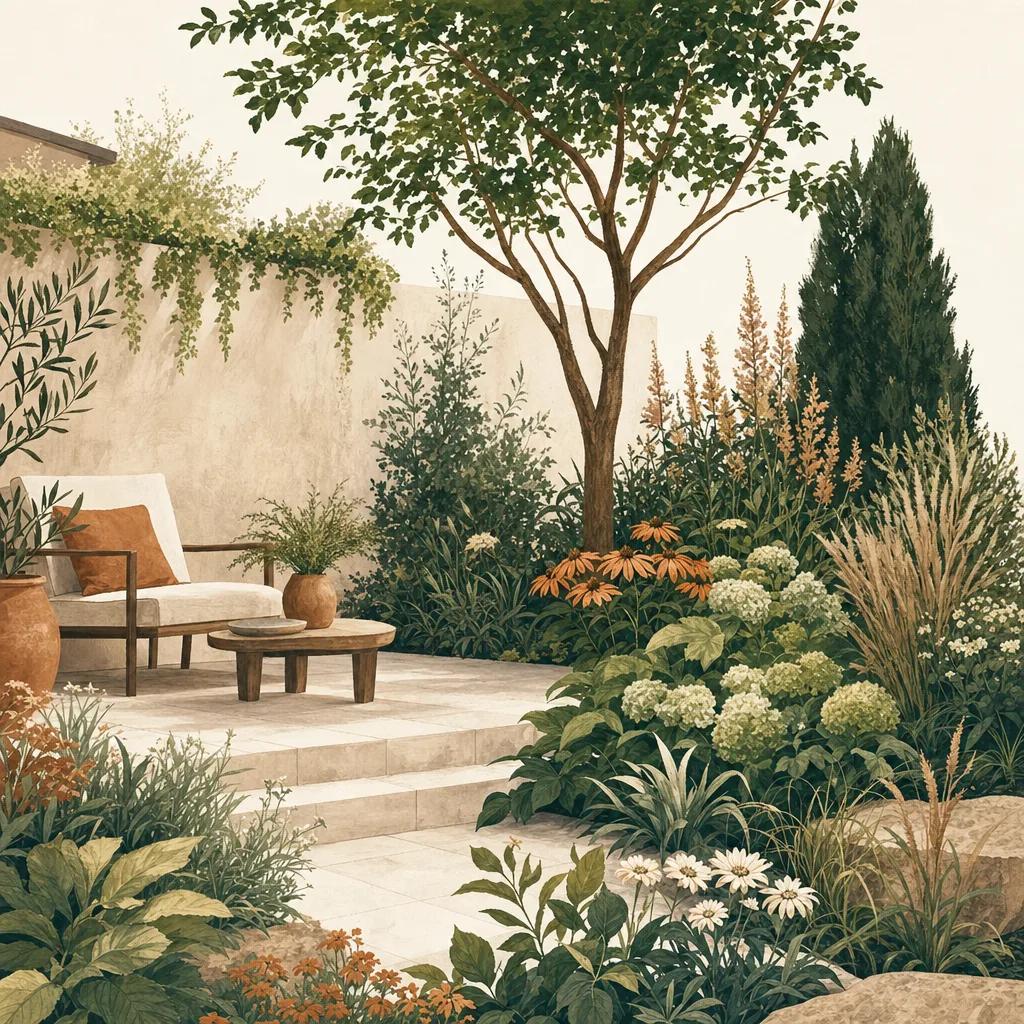
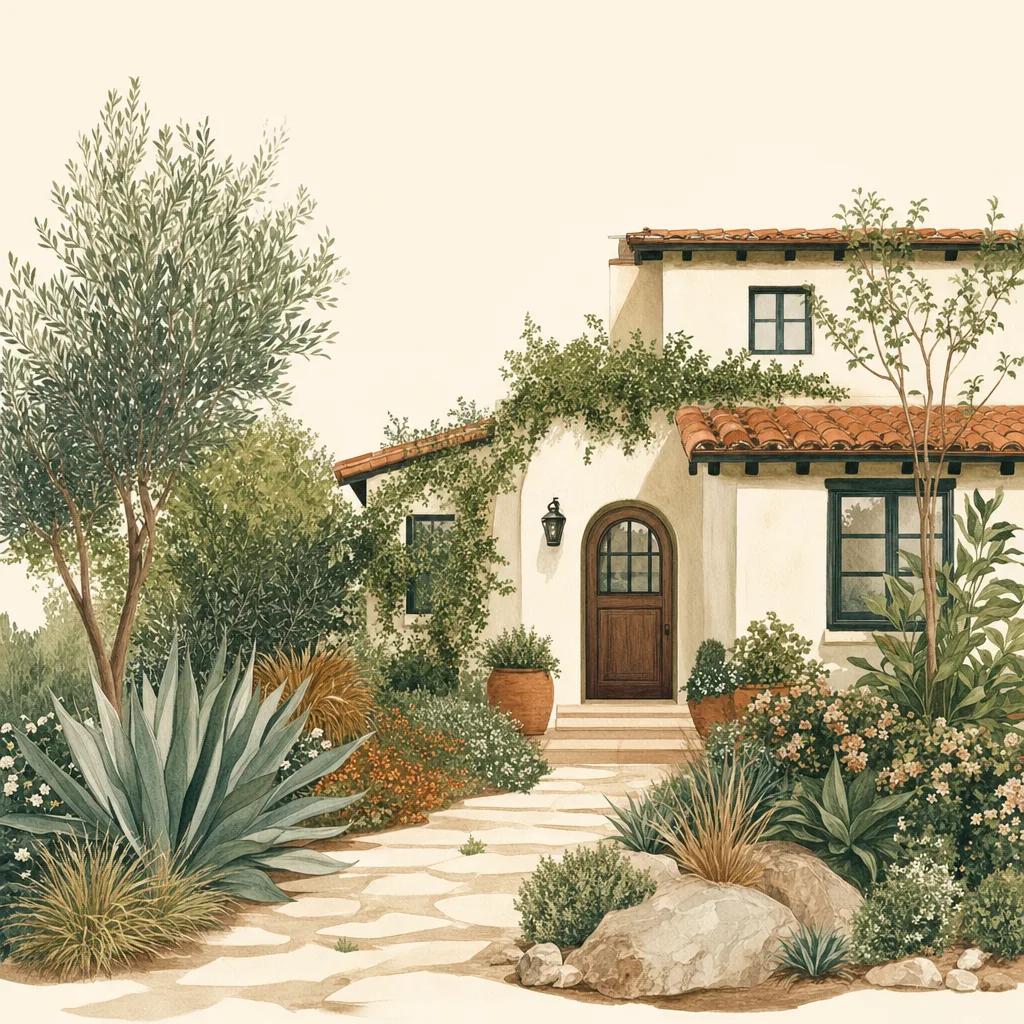
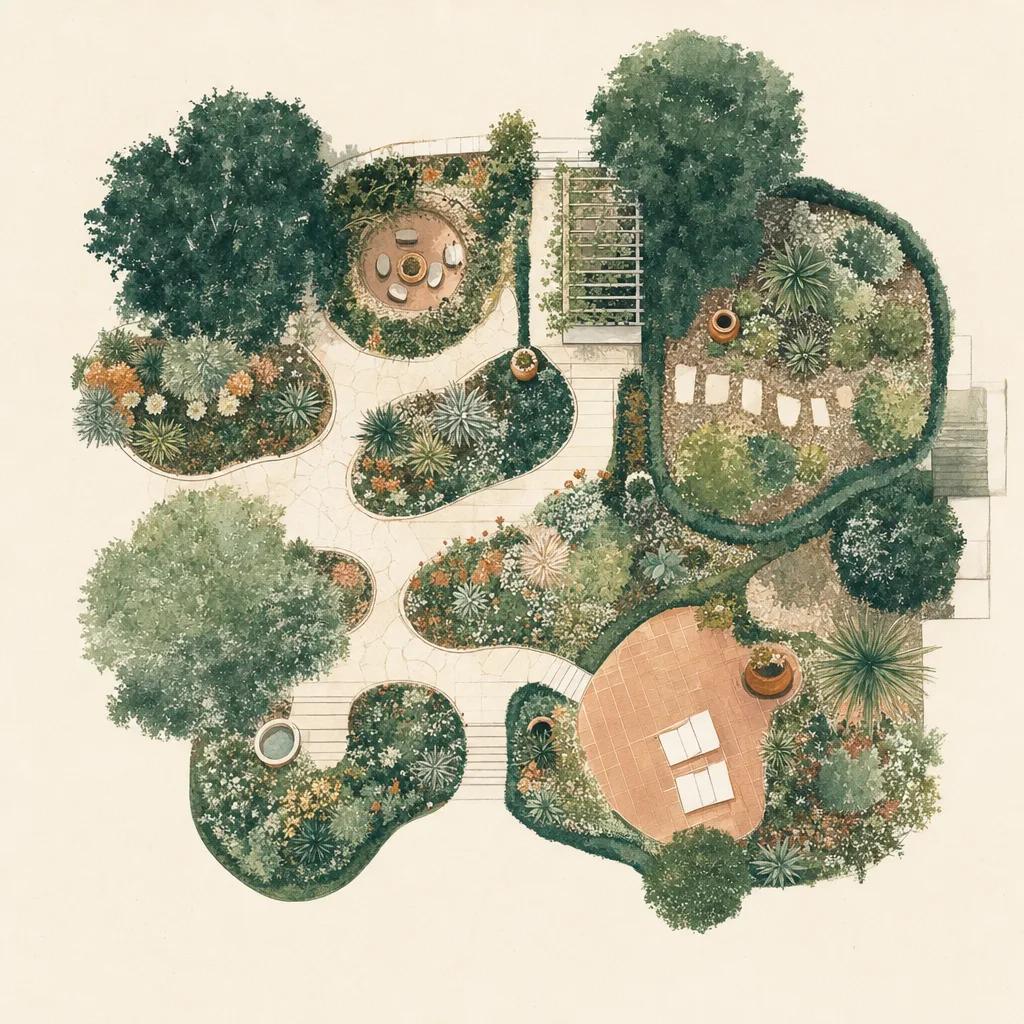
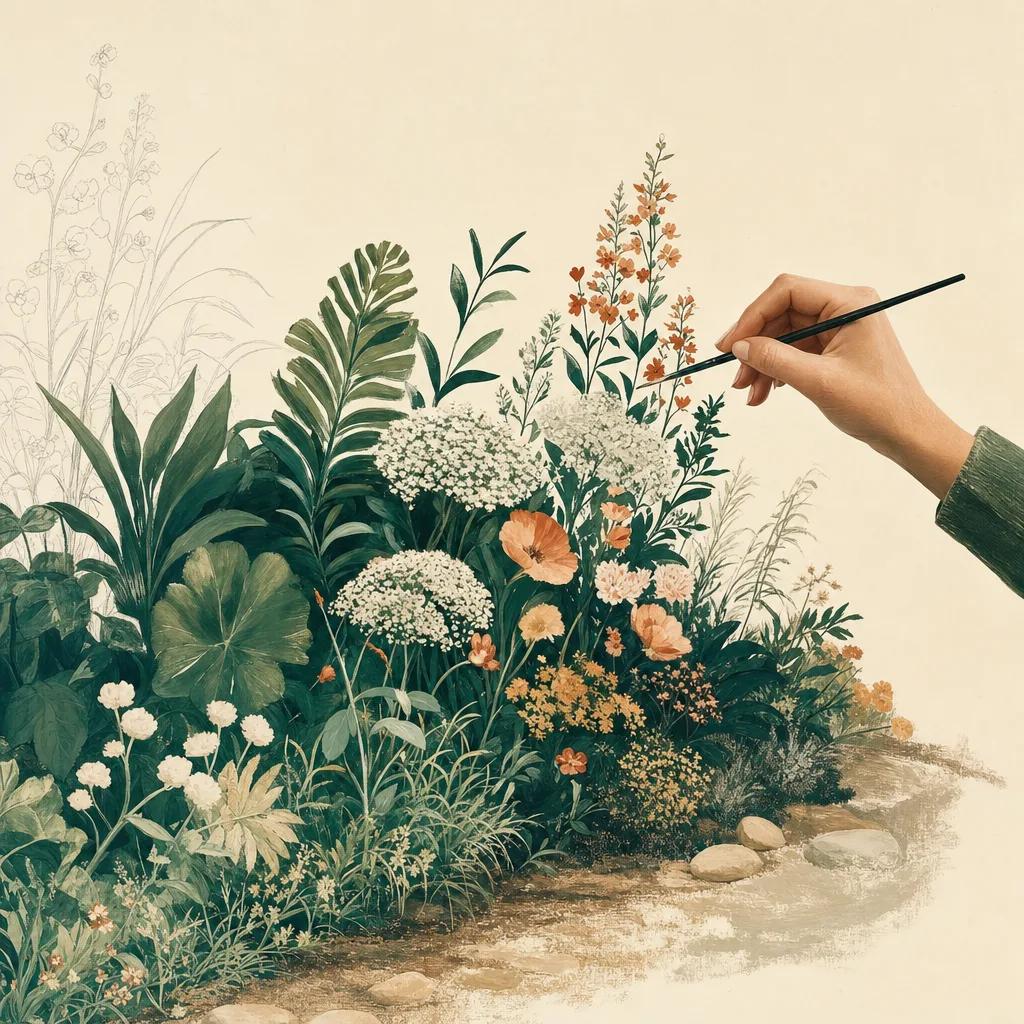
Illustration: free landscape design app

Yes — you can design your landscape for free. Sow is a free landscape design app for iPhone and Android that turns a photo of your yard into a design built from real plants: cultivars you can actually buy at a nursery, matched to your USDA hardiness zone, sunlight and space.

Most "free" landscape apps fall into two camps. AI-image apps generate a pretty picture in seconds, but the plants in it are often invented — they don't exist, or won't survive your winters. Manual drag-and-drop apps give you a blank canvas and lock the useful plant catalog behind a paywall. Sow was built to fix both: every design is generated from a 10,000+ plant library of real outdoor plants, so the result is a plan you can plant, not AI guesswork.

Free to download, free to start designing

Sow is free to download on iPhone and Android, and you can start designing straight away. Without paying you can photograph your space and see it redesigned with real plants, save the plants you like into your own library, set up a space or board to keep a project in, and browse the community's real yards for ideas.

A paid plan unlocks the rest: the full plant library, watermark-free designs, yard mapping, weather-aware care, and access on the web. But you get to see it work on your own yard before any of that.

Why free AI landscape apps disappoint

AI makeover apps are great at producing an inspiring image and terrible at producing a shopping list. When the picture is done you still don't know what the plants are, whether they fit your zone, how big they get, or what they cost. That gap is where most projects stall.

Sow closes it: every plant in a Sow design is labeled with its real name and cultivar, and one tap shows its hardiness zones, mature size, sun needs and care profile. When you're ready to plant, Sow compares availability and prices across online nurseries.

Design in the yard, refine on a bigger screen

Your designs, plant collections, maps and garden data sync between the Sow app and usesow.com, so you can sketch an idea on your phone while standing in the yard and pick the same project up later on a desktop. Web access is part of the paid plans.

Step by step

How to design your landscape for free with Sow

  1. 01

    Download Sow free

    Get Sow free on the App Store or Google Play and create an account — no payment needed to start designing.

  2. 02

    Snap a photo of your space

    Photograph the bed, border, front walk or backyard area you want to redesign, straight from the app.

  3. 03

    Pick a style and generate

    Choose a garden style you love and let Sow generate design concepts using real plants matched to your zone, sunlight and space.

  4. 04

    Refine with drag and drop

    Swap plants, adjust placement, and add textures like mulch or brick with the drag-and-drop editor until it feels like yours.

  5. 05

    Get the plant list

    Every design comes with a real plant list — tap any plant for care details, then compare nursery prices when you are ready to plant.

Try it in Sow — free

Free to download on iPhone and Android — design your space with real plants, identify what's already growing, and save it all into your own library.

Download Sow on the App StoreGet Sow on Google Play

Frequently asked questions

Is Sow really free?+

Sow is free to download and free to start designing. Without paying you can photograph your yard and see it redesigned with real plants, save the plants you like into your own library, set up a space or board for a project, and browse the community's real yards. It is not an unlimited free product — the full plant library, watermark-free designs, yard mapping, weather-aware care and web access are on the paid plans — but you never have to pay to find out whether it works for your space.

What is the best free landscape design app for iPhone?+

Look for one you can try on your own yard before paying, and one whose plants are real. Sow is free to download and free to start designing, and every plant it places is an actual species matched to your hardiness zone — so the design you get is one you could genuinely go and plant. Rated 4.3 stars on the App Store.

Can I use Sow on my computer?+

Yes — Sow works on the web at usesow.com as well as on your phone, and everything syncs between the two. Web access is part of the paid plans.

Explore the plant data yourself

Every plant in a Sow design is real and published — 11,000+ outdoor species with hardiness zones, mature size, bloom timing, and prices we re-check daily.