garden planner app

The Garden Planner App for Your Whole Yard

Plan beds and borders, pick zone-right plants, map everything, and know what to do each week.

Illustration: garden planner app

A good garden planner app should do more than draw rectangles. It should know your growing zone, help you choose plants that will thrive, remember where everything is planted, and tell you what needs doing as the weather changes. That end-to-end loop is exactly what Sow is: garden designer, plant library, yard map, and care assistant in one free app.

Instead of juggling a design tool, a plant encyclopedia, a paper map and a weather app, Sow keeps your whole garden — every bed, plant and task — in one place that syncs between your phone and usesow.com.

Plan with plants, not just shapes

Sow's planning starts from its 10,000+ outdoor plant library — perennials, shrubs, trees, grasses, vegetables and more, each with zone range, sun needs, mature size and care profile. Build collections per area (Front Yard, Shade Bed, Veggie Plot), filter by traits like Native, Butterfly Host or Pet Safe, and see an estimated value for each collection as you plan your budget.

Design and map every space

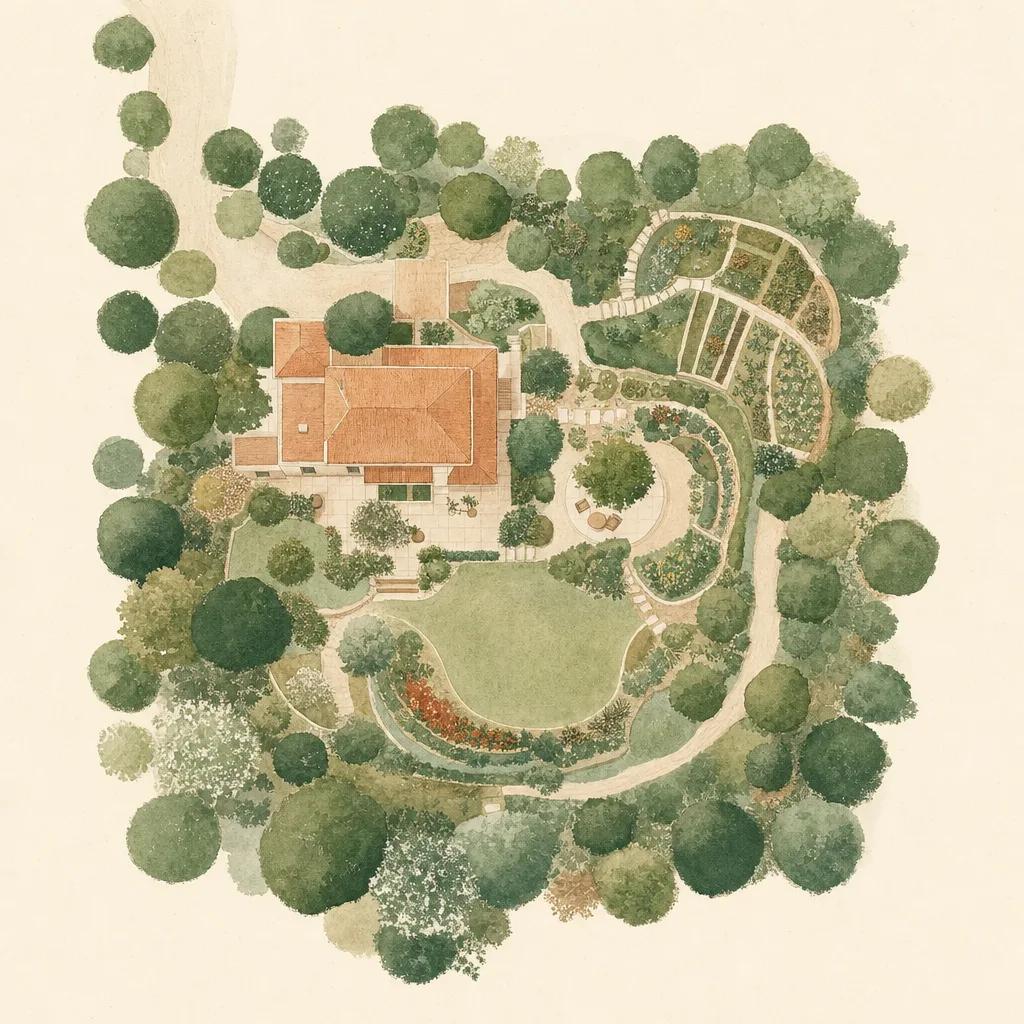
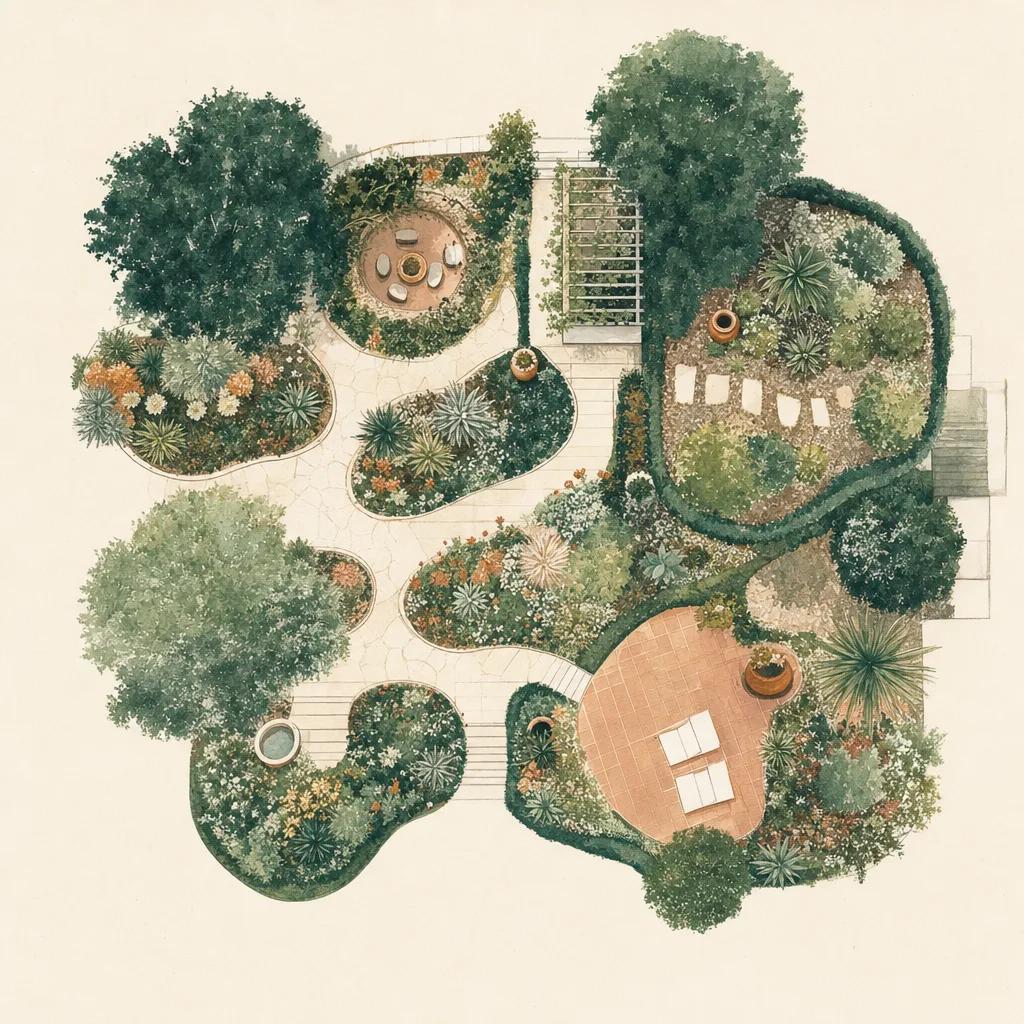
Visual planning happens two ways in Sow: photo-based design for how a bed will look, and satellite yard mapping for where everything lives. Draw beds and paths over a birds-eye view of your property, drop plants where they are planted, and you've got a living site plan you can update from the yard.

A plan that adapts to the weather

Plans fail when the weather changes and the plan doesn't. Sow tracks your local forecast, rainfall history, drought conditions and frost dates, converting them into concrete tasks: water these beds, stake tall plants before Thursday's storm, hold off planting until after the last frost. Your garden plan stays a live system, not a spring-time document.


Step by step

How to plan your garden with Sow

  1. 01

    Set your location

    Sow detects your USDA hardiness zone and local weather from your zip code — every recommendation is filtered through it.

  2. 02

    Build plant collections

    Browse the library with zone, sun and trait filters and save candidates into collections per garden area.

  3. 03

    Design the look

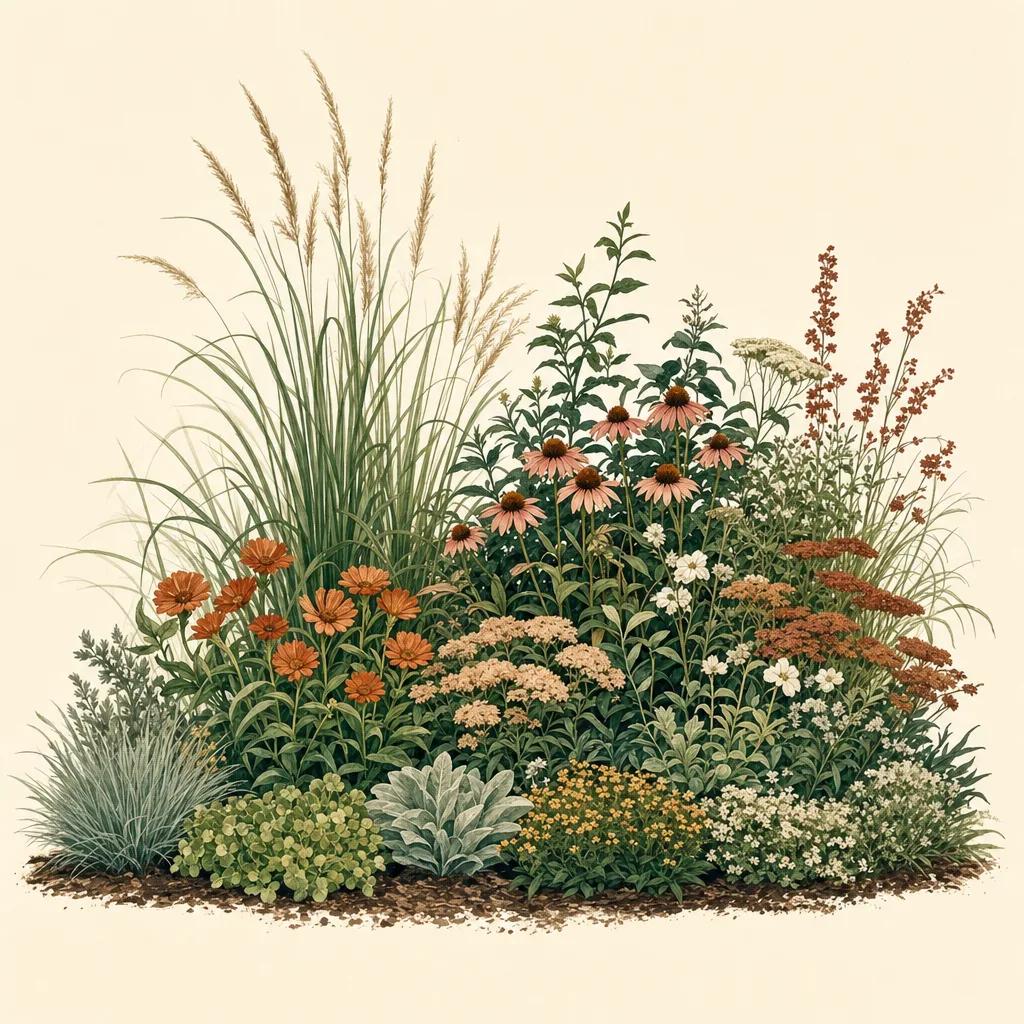
    Generate photo-based designs for key beds using your saved plants and preferred style.

  4. 04

    Map your yard

    Draw beds and place plants on the satellite map so you always know what is planted where.

  5. 05

    Follow the care plan

    Let weather-aware watering tasks and alerts tell you what your garden needs each week.

Try it in Sow — free

Free to download on iPhone and Android — design your space with real plants, identify what's already growing, and save it all into your own library.

Download Sow on the App StoreGet Sow on Google Play

Frequently asked questions

What is the best garden planner app?+

The best garden planner covers the full loop: choosing zone-right plants, designing beds, mapping what is planted where, and adjusting care to the weather. Sow does all four in one free app, rated 4.3 stars on the App Store.

Does Sow plan vegetable gardens too?+

Yes. The library includes vegetables and the mapping tools handle raised beds and plots, so you can plan edible and ornamental spaces together.

Can I plan my garden on the web?+

Yes — Sow syncs with usesow.com so you can plan on desktop and manage from your phone in the garden.

Explore the plant data yourself

Every plant in a Sow design is real and published — 11,000+ outdoor species with hardiness zones, mature size, bloom timing, and prices we re-check daily.