front yard landscaping app

Front Yard Landscaping App: Real Curb Appeal, Real Plants

See your front yard transformed before you dig — with a plant list you can take to the nursery.

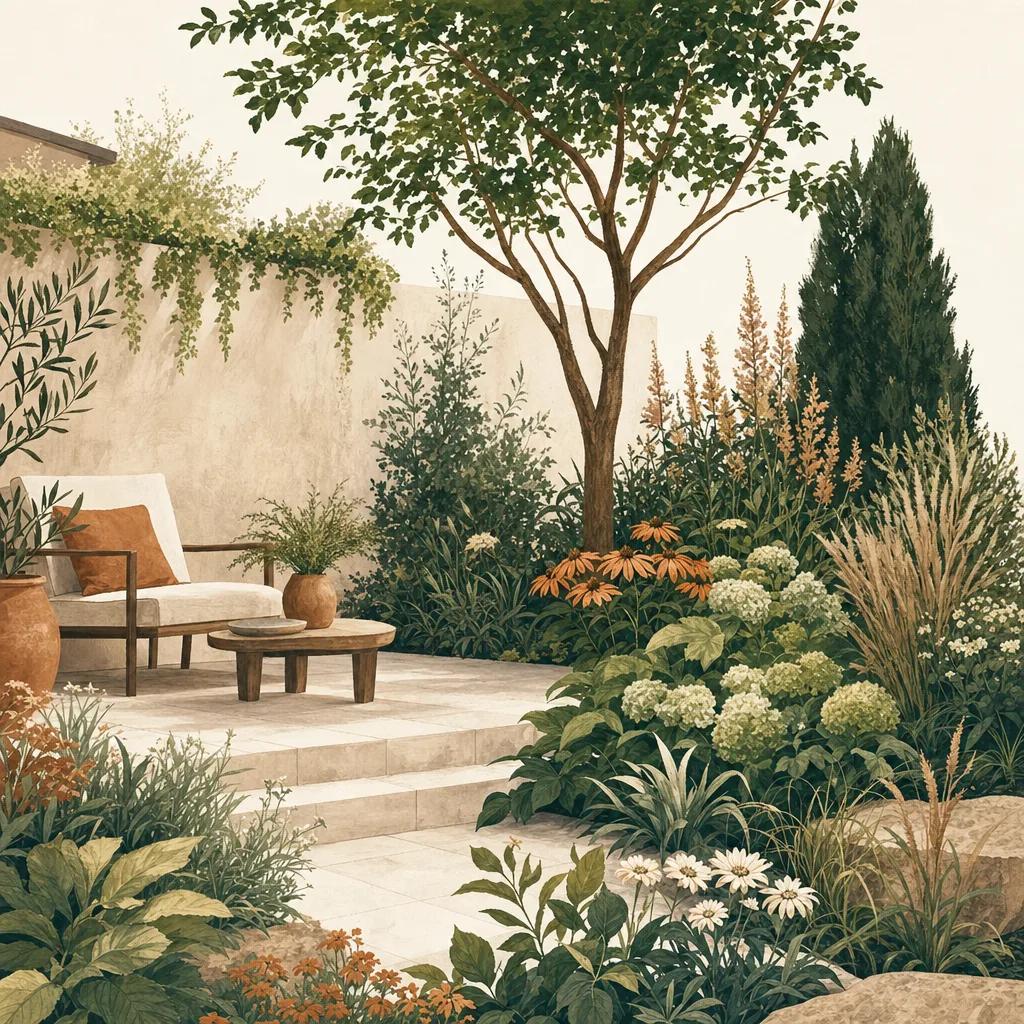
Illustration: front yard landscaping app

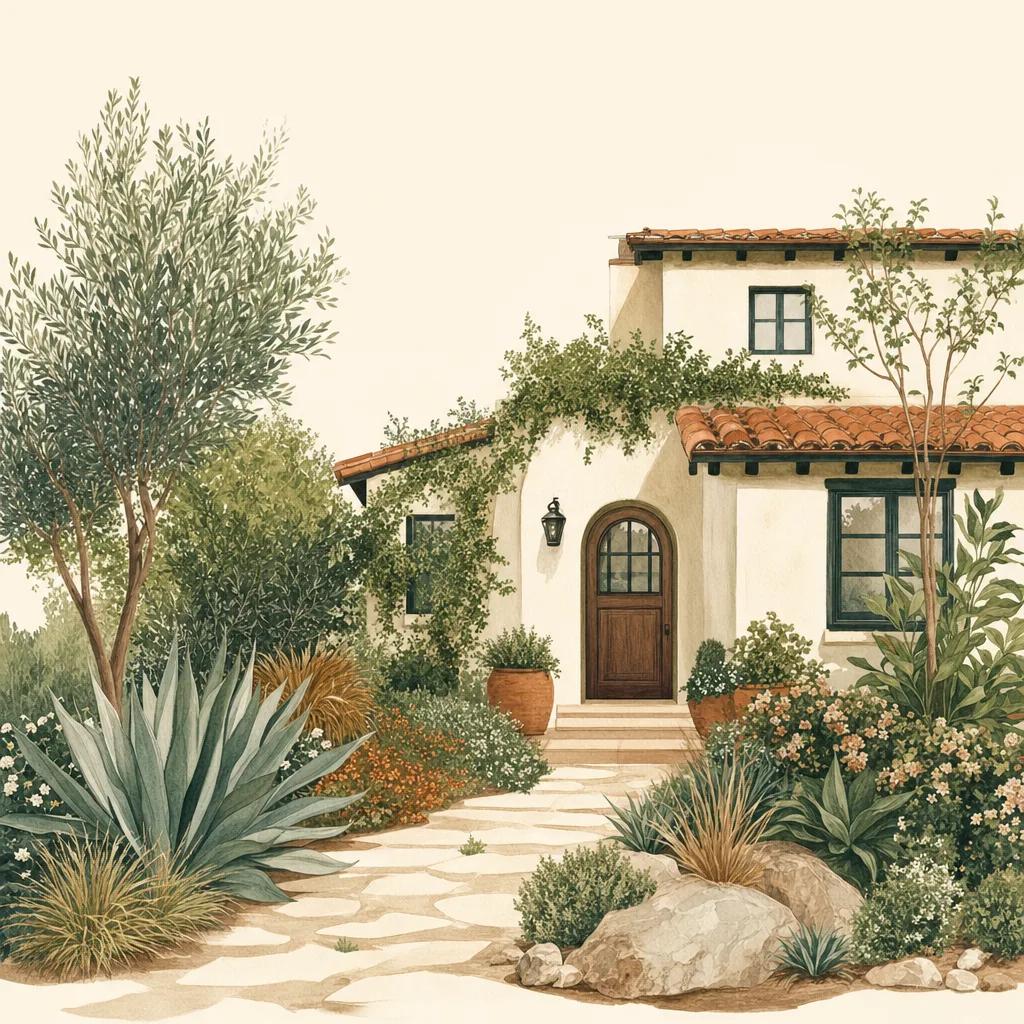
Your front yard is the highest-visibility landscaping you own, and the most unforgiving place to guess wrong. A front yard landscaping app lets you preview ideas on a photo of your actual house — so you can test foundation plantings, walkway borders and tree placement before spending a dollar.

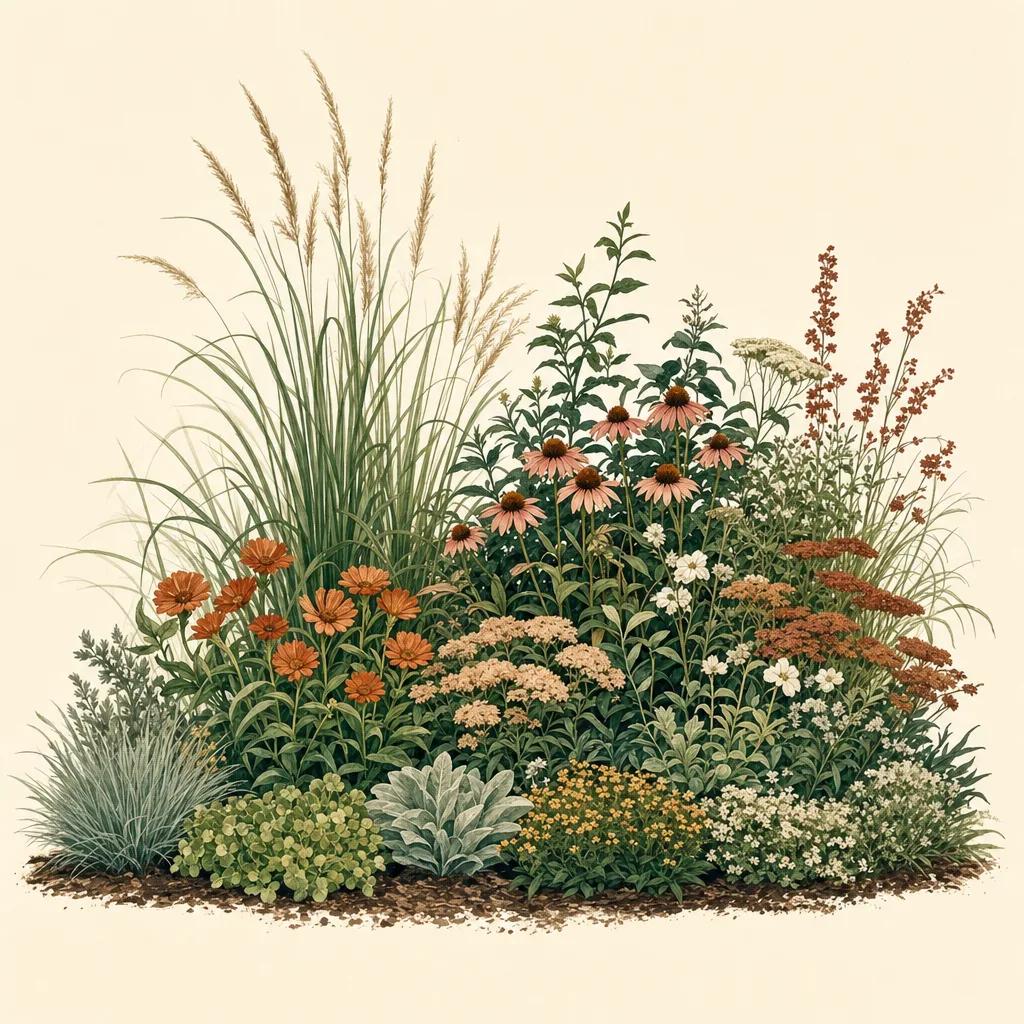
Sow generates front yard designs from your photo using real plants matched to your USDA zone and sun exposure. The before/after is built from cultivars like Little Bluestem, coneflowers and Virginia Sweetspire — each labeled in the design — so the finished concept is also your planting plan.

Front yard design principles that boost curb appeal

The reliable formula: anchor the composition with one or two small trees or upright shrubs, layer heights from the house outward (tall at the foundation, medium fillers, low edging at the walk), and repeat a few plants in odd-numbered groups rather than planting one of everything. Aim for year-round structure — evergreens and ornamental grasses carry the yard when flowers are done.

Keep sightlines open: nothing over window-sill height in front of windows, and low plantings along the walkway so the entry reads as welcoming, not hidden.

Test ideas on your real house, not a stock photo

Because Sow designs on top of your own photo, you see how ideas interact with your siding color, roofline, walkway and existing trees. Generate a few style directions — cottage, modern, native-forward — and compare them side by side before committing.

From concept to planted in one app

When a design clicks, every plant in it is one tap from its care card and nursery pricing. Save the plants to a Front Yard collection, map where each goes, and let Sow's weather-aware care reminders handle the first critical season of watering.


Step by step

How to design your front yard with Sow

  1. 01

    Photograph your front yard

    Stand at the curb and capture the full facade, or shoot a single bed you want to refresh.

  2. 02

    Generate design directions

    Pick a style and let Sow produce front yard concepts with real, zone-matched plants labeled in place.

  3. 03

    Fine-tune the design

    Swap plants, adjust groupings and edging, and add mulch or stone textures with the editor.

  4. 04

    Save the plant list and plant it

    Save your front yard collection, compare nursery prices, and follow Sow's care schedule after planting.

Try it in Sow — free

Free to download on iPhone and Android — design your space with real plants, identify what's already growing, and save it all into your own library.

Download Sow on the App StoreGet Sow on Google Play

Frequently asked questions

What app shows landscaping ideas on a photo of my house?+

Sow generates front yard landscaping designs directly on your photo, labeling every real plant it uses so you can plant the result.

What should I plant in front of my house?+

Layer heights: upright anchor shrubs or small trees at the corners, mid-size flowering shrubs and perennials in the middle, low edging plants at the walk. Sow suggests specific plants for your zone, sun and style automatically.

Can I try different front yard styles?+

Yes — generate multiple concepts in different styles from the same photo and compare before/after views before you commit.

Explore the plant data yourself

Every plant in a Sow design is real and published — 11,000+ outdoor species with hardiness zones, mature size, bloom timing, and prices we re-check daily.