flower bed planner

Flower Bed Planner: Layouts That Look Good All Season

Learn the layout rules pros use, then let Sow apply them to your bed with real plants.

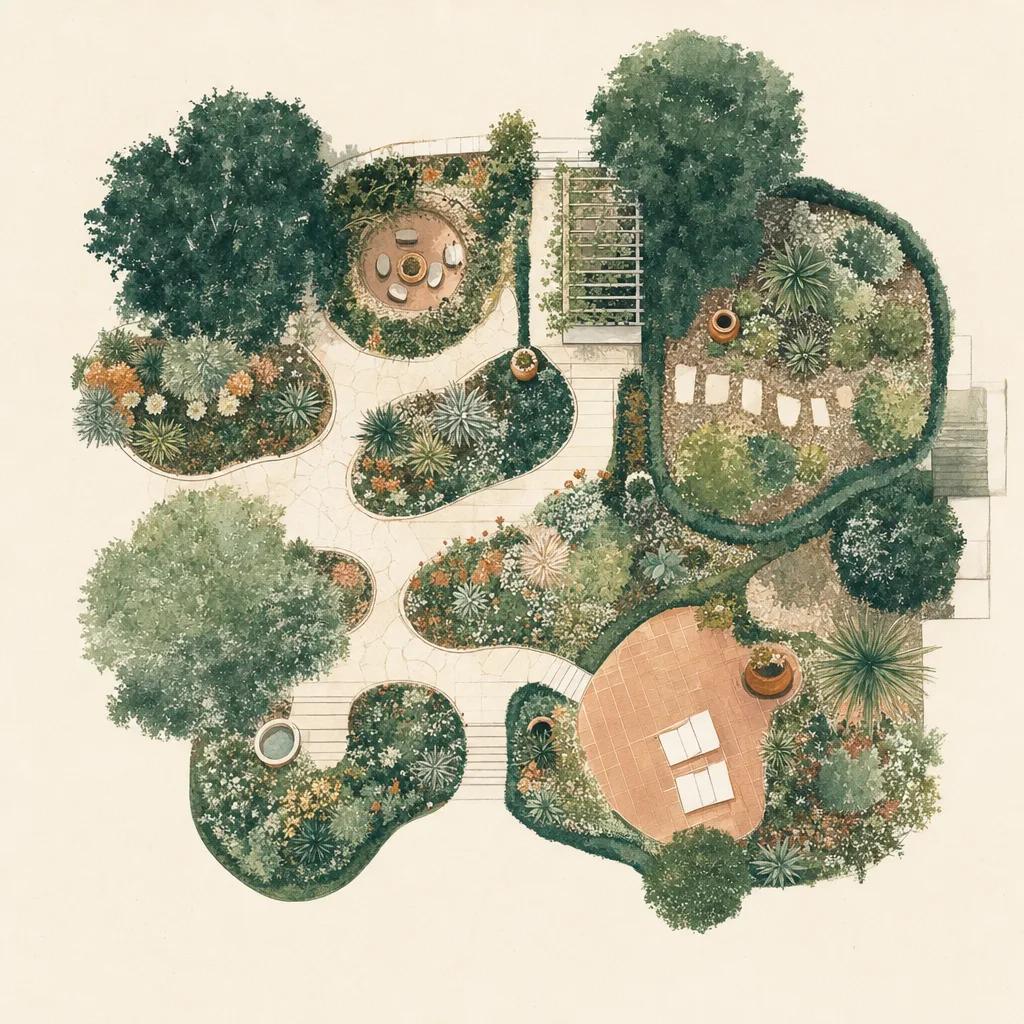
Illustration: flower bed planner

A flower bed works when three things line up: heights are layered so everything is visible, plants sit in generous odd-numbered groups instead of a one-of-everything sampler, and spacing is based on mature size rather than the pot in your hand. A flower bed planner app makes those rules concrete — Sow designs the layout on a photo of your actual bed, using real plants with known sizes and bloom times.

The layout rules that make beds look designed

Layer by height: tallest plants at the back of a bed viewed from one side (or the center of an island bed), mid-height fillers in the middle, low edgers up front. Repeat: pick 5–8 plants and repeat them in drifts of 3, 5 or 7 — repetition reads as intentional, variety-of-one reads as chaos. Contrast forms: pair spiky uprights (salvia, little bluestem) with rounded daisies (coneflower) and soft mounds (catmint, fescue).

Space for the plant's third-year size, not its nursery-pot size. Beds that look sparse in year one look right in year two and full in year three; beds planted "full" on day one become a maintenance fight.

Plan bloom succession, not just a snapshot

The classic disappointment is a bed that peaks for three weeks in June. Build a bloom relay: early bulbs and spring perennials, a summer core, late-season asters and grasses, plus evergreen or structural plants for winter. Because every Sow plant card includes bloom and care details, you can audit your design's calendar before you buy anything.

Design your bed on a photo of your bed

Sow generates bed designs directly on your photo, labeling every plant in place. Drag to adjust drifts, swap a plant for a better fit, and check each choice's zone, sun and mature size on its card. When the layout is right, the design is also your labeled shopping list, with nursery price comparison built in.


Step by step

How to plan a flower bed with Sow

  1. 01

    Photograph the bed

    Shoot the bed straight on, capturing the full footprint you want to plant.

  2. 02

    Generate layout ideas

    Pick a style and let Sow lay out real plants with proper layering and grouping.

  3. 03

    Check sizes and bloom times

    Tap each plant to confirm mature size, sun needs and bloom season for your zone.

  4. 04

    Adjust the drifts

    Drag plants into odd-numbered groups and tune spacing with the editor.

  5. 05

    Buy and track it

    Use the plant list to shop, then map the bed and follow watering tasks while it establishes.

Try it in Sow — free

Free to download on iPhone and Android — design your space with real plants, identify what's already growing, and save it all into your own library.

Download Sow on the App StoreGet Sow on Google Play

Frequently asked questions

How do I arrange plants in a flower bed?+

Tallest at the back, mid-height in the middle, low edging in front; repeat a short plant palette in odd-numbered drifts; space plants at their mature width. Sow applies this automatically when it generates a bed design.

How far apart should I space plants?+

At the mature width on the plant tag or card — typically 18–24 inches for perennials, 3–6 feet for shrubs. Sow shows mature size for every plant so you can space before you dig.

What flowers bloom all season?+

No single plant carries a bed all season — design a relay of early, mid and late bloomers plus structural grasses. Sow's plant cards make it easy to audit your bed's bloom calendar.

Explore the plant data yourself

Every plant in a Sow design is real and published — 11,000+ outdoor species with hardiness zones, mature size, bloom timing, and prices we re-check daily.