plant identifier app

Plant Identifier App: Know What's Growing — Then Keep It Alive

Snap a photo to identify plants, save them to your collection, map their spot, and get care tips.

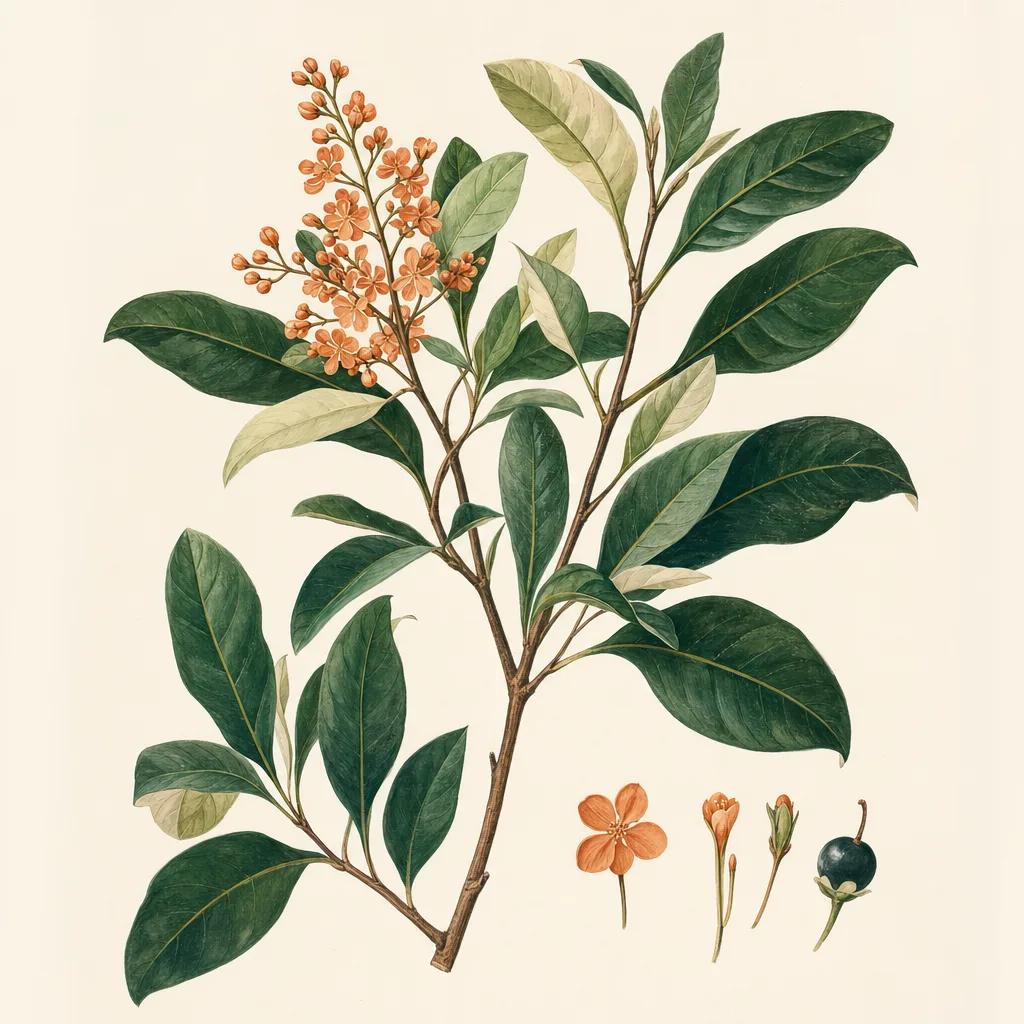
Illustration: plant identifier app

Point your camera at a plant, and Sow tells you what it is — with a confidence-scored best match and close alternatives, right down to cultivar-level suggestions like distinguishing a Dwarf Fothergilla from its 'Blue Mist' variety. That answers the immediate question: "what plant is this?"

But identification is only useful if something happens next. Most plant ID apps stop at a name. Sow turns each ID into a living record: save the plant to your collection, pin it on your yard map, and get season-aware care guidance — when to prune, pinch, deadhead, fertilize and water it.

How to get accurate plant identifications

Center a single plant in the frame, get close enough that leaves fill most of the shot, and shoot in even light. Flowers, fruit and bark all add signal, so if the first result looks off, take another photo of a different feature. Sow shows its match confidence so you know when to double-check.

From "what is this?" to a mapped, cared-for plant

Every plant you identify can be saved and placed on your property map, building an inventory of what is growing where — invaluable when you move into a new home and inherit a mystery landscape. Each saved plant carries its care profile, and Sow's weather engine schedules watering and seasonal tasks around your actual local conditions.

Identify to decide: keep, move, or replace

Once you know what a plant is, Sow helps you decide what to do with it. See its mature size and sun needs to judge if it is in the wrong spot, check whether it is a butterfly host or a regional invasive, and — if it has to go — design its replacement from the 10,000+ plant library.


Step by step

How to identify a plant with Sow

  1. 01

    Open the plant ID camera

    Tap the camera in Sow and center a single plant in the frame.

  2. 02

    Review the best match

    Sow shows a confidence-scored best match with close alternatives, including cultivar suggestions.

  3. 03

    Save it to your collection

    One tap saves the plant with its full care profile.

  4. 04

    Pin it on your yard map

    Drop the plant on the satellite map so you remember exactly where it grows.

  5. 05

    Follow its care

    Get watering tasks and prune/fertilize timing tuned to the plant and your local weather.

Try it in Sow — free

Free to download on iPhone and Android — design your space with real plants, identify what's already growing, and save it all into your own library.

Download Sow on the App StoreGet Sow on Google Play

Frequently asked questions

What app identifies plants from a picture for free?+

Sow identifies plants from a photo on iPhone and Android — free to download and free to start using — and unlike ID-only apps, what you identify goes somewhere: it is saved into your own plant library and into the space it grows in, rather than being an answer you forget by Thursday.

How accurate is plant identification?+

Modern photo ID is strong on distinct foliage and flowers and improves with better photos. Sow shows a confidence score with each match and offers close alternatives so you can verify.

Can it identify plants that are already in my yard?+

Yes — that is Sow's specialty. Walk the yard, identify what you inherit, and Sow builds a mapped inventory with care schedules for all of it.

Explore the plant data yourself

Every plant in a Sow design is real and published — 11,000+ outdoor species with hardiness zones, mature size, bloom timing, and prices we re-check daily.