plant watering schedule app

The Plant Watering App That Actually Watches the Weather

Watering tasks built from your real rainfall, forecast and plants — not a dumb repeating timer.

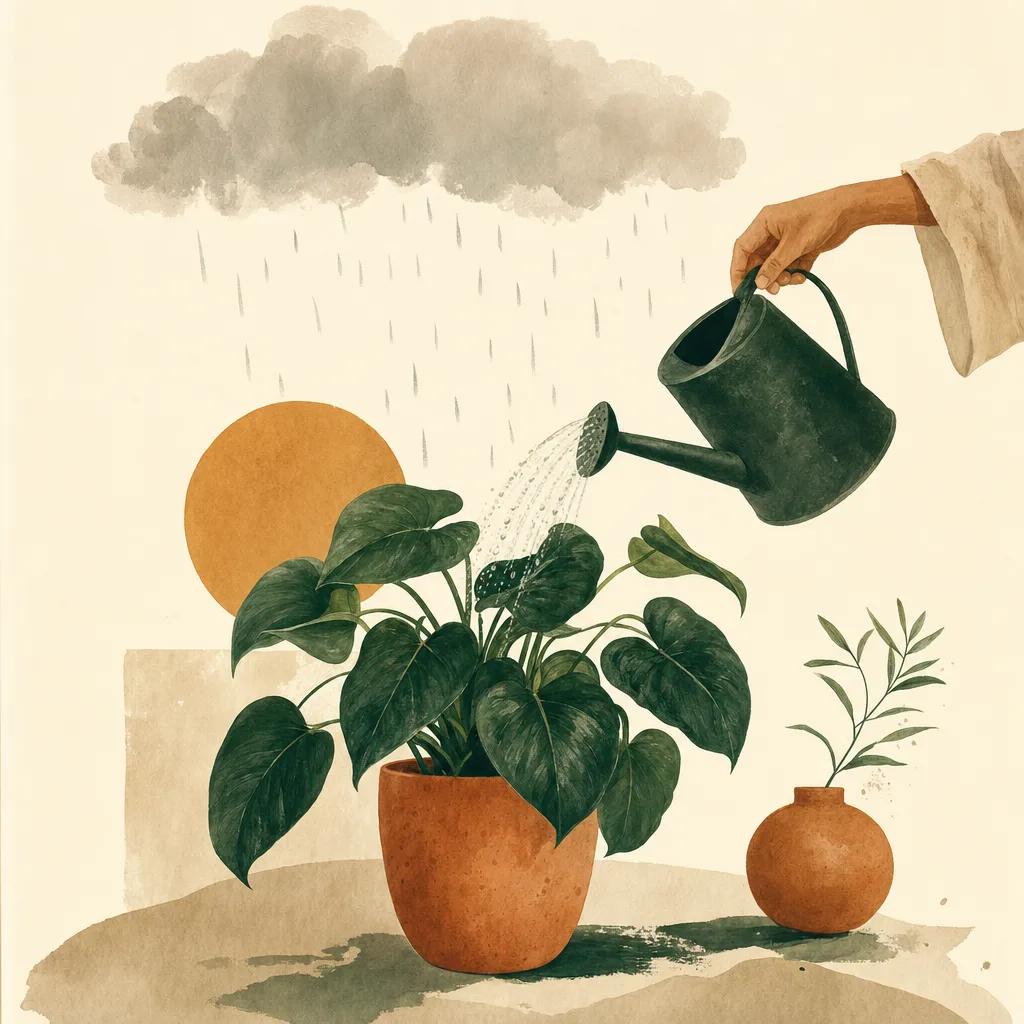
Illustration: plant watering schedule app

Most watering apps are repeating alarms: "water every 3 days," rain or shine. That is how plants drown in April and fry in July. Sow schedules watering from the thing that actually matters — your local weather. It tracks rainfall at your location, compares it to what your plants need, watches the 10-day forecast for heat and storms, and turns the result into concrete tasks: which beds to water, and when to skip because rain already did the job.

How much water do plants really need?

The old rule of thumb — about an inch of water a week for established beds and lawns — is a starting point, not a schedule. Real demand swings with temperature, wind, soil and plant maturity: new plantings need frequent shallow water while roots establish; established natives may need none; vegetable beds and containers dry out fastest. Deep, infrequent watering beats daily sprinkles because it pushes roots down.

Sow's Water Budget chart shows actual rainfall against the historical average for your spot and flags dry spells as they develop, so "has it rained enough this week?" has a data answer.

Weather alerts that change what you do today

Watering is only one output. Sow's weather engine issues garden-specific alerts: heat waves ("highs to 95°F — water early, watch containers and seedlings"), incoming wind and storms ("stake tall plants, shelter lightweight pots"), frost dates in spring and fall. Instead of interpreting a generic weather app, you get the gardening implication directly.

Per-plant care, not one-size-fits-all

Because Sow knows which plants you grow and where (from your collections and yard map), guidance is specific: drought-tolerant grasses stay off the list while thirsty hydrangeas and new transplants get priority. Seasonal tasks — prune, pinch, deadhead, fertilize — ride along on each plant's card.


Step by step

How to set up smart watering with Sow

  1. 01

    Add your plants

    Save the plants you grow — identify them with the camera or pick them from the library — and map where they are.

  2. 02

    Let Sow read your weather

    Sow tracks rainfall, forecast, heat and drought conditions for your exact location automatically.

  3. 03

    Follow the watering tasks

    Check the app (or its alerts) to see which plants and beds need water — and which can skip thanks to rain.

  4. 04

    Adjust with the Water Budget

    Use the rainfall-vs-history chart to spot developing dry spells before plants show stress.

Try it in Sow — free

Free to download on iPhone and Android — design your space with real plants, identify what's already growing, and save it all into your own library.

Download Sow on the App StoreGet Sow on Google Play

Frequently asked questions

Is there an app that tells you when to water your plants?+

Yes — Sow builds watering tasks from your local rainfall, forecast and the specific plants you grow. Weather-aware care is included in the paid plans; the app is free to download and free to start designing with.

How often should I water my garden?+

Aim for about an inch of water per week for established beds, delivered deeply and infrequently — but let real rainfall count toward it. Sow tracks that math for your location automatically.

Does Sow warn about frost and heat?+

Yes. Sow issues garden-specific alerts for frost dates, heat waves, wind and storms, with concrete advice for each.

Explore the plant data yourself

Every plant in a Sow design is real and published — 11,000+ outdoor species with hardiness zones, mature size, bloom timing, and prices we re-check daily.