garden journal app

The Garden Journal You Will Still Be Using in Five Years

Photo observations, care history, and blooms — organised by space, remembered forever.

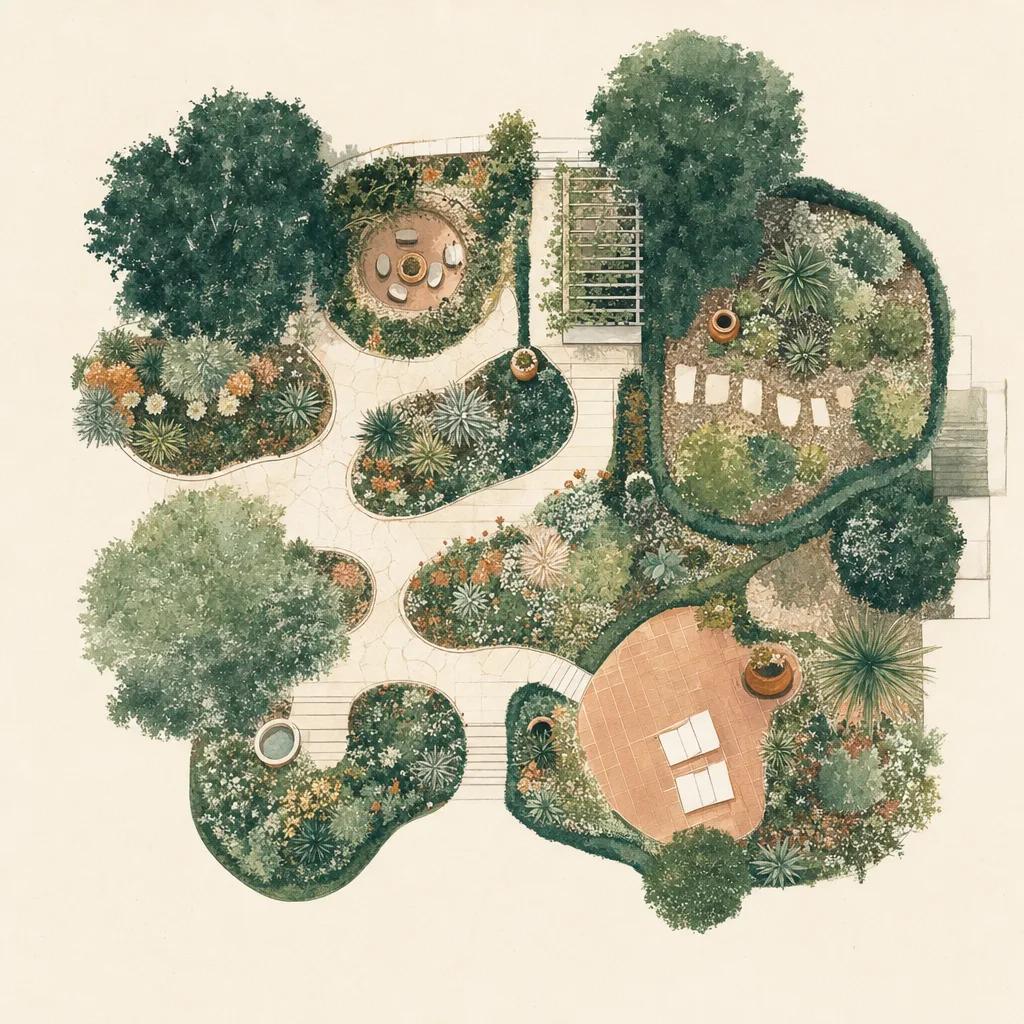
Illustration: garden journal app

Gardeners have kept journals for centuries because gardening is a memory problem. The bed that failed, the rose that finally took, the week the frost came early — none of it is knowable in the moment, only in hindsight. A notebook works, right up until you want to know what a corner looked like in June three years ago.

Sow keeps that record for you, and ties it to real things: the photo lands on a specific plant, in a specific space, on a specific date, next to the care you did and the weather that week. It is a journal that can answer questions.

Observations that attach to something

Snap a photo of a bloom, a pest, or new growth, and link it to the plant it belongs to — or to the whole space if it is a wider view. Over a season this builds a timeline per bed and per plant, rather than an undifferentiated camera roll you will never scroll.

The weather is part of the record

Sow logs what your garden actually got: the rain, the dry spells, the frosts. So when you look back at why something struggled, the answer is often right there in the timeline next to it.

A year worth looking back on

At the end of a season Sow can assemble a recap of the year in your garden — what you planted, what bloomed, what you photographed — as something you can actually share rather than a data dump.


Step by step

How to keep a garden journal in Sow

  1. 01

    Create your spaces

    Set up the beds, borders and containers you want to follow.

  2. 02

    Capture an observation

    Photograph what you see and attach it to a plant or to the whole space.

  3. 03

    Let the care log itself

    Tasks you complete are recorded automatically, alongside the weather that week.

  4. 04

    Revisit the timeline

    Scroll a space back through the seasons to see exactly what happened and when.

  5. 05

    Get your yearly recap

    Once you have built up enough history, Sow assembles the year into a recap worth sharing.

Try it in Sow — free

Free to download on iPhone and Android — design your space with real plants, identify what's already growing, and save it all into your own library.

Download Sow on the App StoreGet Sow on Google Play

Frequently asked questions

Why keep a garden journal?+

Because gardens run on a yearly clock and human memory does not. The value shows up in year two and three, when you can check what actually happened last spring instead of guessing — when things bloomed, what failed, and what you changed.

Is there a free garden journal app?+

Sow is free to download, and you can set up your first space and start recording it without paying. Paid plans add unlimited spaces, the full plant library, and weather-aware care.

Can I look back at previous years?+

Yes — that is the point. Each space keeps a timeline of photos, plantings, care and weather, so you can scroll back through past seasons and compare them.

Explore the plant data yourself

Every plant in a Sow design is real and published — 11,000+ outdoor species with hardiness zones, mature size, bloom timing, and prices we re-check daily.