garden tracker app

A Garden Tracker Built for Outdoors, Not Windowsills

Track every space, every plant, and every season — with care that follows your real weather.

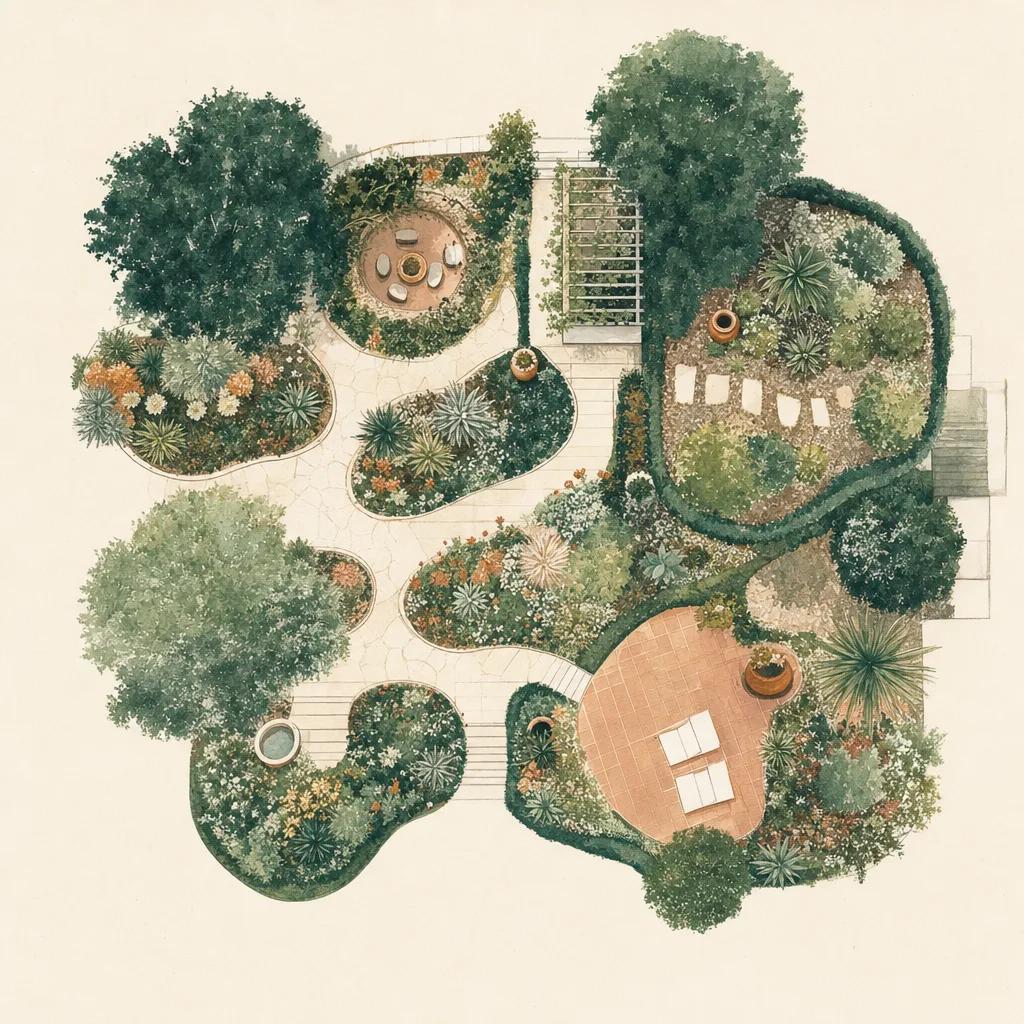
Illustration: garden tracker app

Almost every plant tracker on the app store is really a houseplant tracker. They assume a fixed watering interval, a stable indoor temperature, and a collection you can count on two hands. Take them outside and the model falls apart: it is raining, it is August, half the garden is dormant, and a calendar reminder telling you to water is worse than no reminder at all.

Sow tracks outdoor gardens. It knows which of your spaces gets sun, what you planted in each, what your local forecast is doing this week, and what a given plant needs in this specific month — so the task list reflects the garden you actually have.

Track by space, not by pot

Outdoor gardens are organised by place: the front bed, the side border, the patio containers, the vegetable patch. Sow lets you set up each space, add the plants growing in it, and track them together — because "what needs doing in the back border this week" is the question you actually ask.

Care that watches the weather

If it rained two inches on Tuesday, you should not be told to water on Wednesday. Sow builds each week from your real local forecast and rainfall, so watering tasks stand down when nature handles it and frost warnings arrive before the frost does. Fixed-interval reminders cannot do this — they are not looking out of the window.

A history that compounds

The value of a garden tracker is not this week — it is year three, when you can look back and see exactly when the peonies opened last spring, which corner never thrived, and what you replaced it with. Sow keeps a timeline of photos, plantings, and care for every space, so the record gets more valuable the longer you use it.


Step by step

How to track your garden with Sow

  1. 01

    Set up your spaces

    Create a space for each area — front bed, back border, patio — and note its sun exposure.

  2. 02

    Add what is growing

    Add plants from the catalog, or point your camera at something to identify it and add it in one tap.

  3. 03

    Get your weekly tasks

    Sow builds a task list per space from real plant care data and your live local forecast.

  4. 04

    Log what you see

    Snap an observation — a bloom, a pest, new growth — and it lands on that space and plant timeline.

  5. 05

    Look back

    Come back a season later and see the whole year: what bloomed when, what you did, and what worked.

Try it in Sow — free

Free to download on iPhone and Android — design your space with real plants, identify what's already growing, and save it all into your own library.

Download Sow on the App StoreGet Sow on Google Play

Frequently asked questions

What is the best app to track your garden?+

It depends where your plants live. For houseplants, an indoor-first tracker is fine. For an outdoor garden, you want one that understands hardiness zones, seasons, and real weather — Sow tracks spaces, plants, and care against your live local forecast, and keeps a photo history of each season.

Can I track when things bloom?+

Yes. Every plant carries bloom start and finish, and Sow builds a bloom calendar for your garden so you can see what is coming and remember what happened.

Is there a free garden tracker?+

Sow is free to download, and setting up your first space and saving plants into it costs nothing. Paid plans add unlimited spaces, the full plant library, and the weather-aware care that adjusts your tasks to the real forecast.

Explore the plant data yourself

Every plant in a Sow design is real and published — 11,000+ outdoor species with hardiness zones, mature size, bloom timing, and prices we re-check daily.