plant tracker app

A Plant Tracker That Remembers Everything You Grow

Identify it, save it, and keep its whole history — care, blooms, photos, and what it cost.

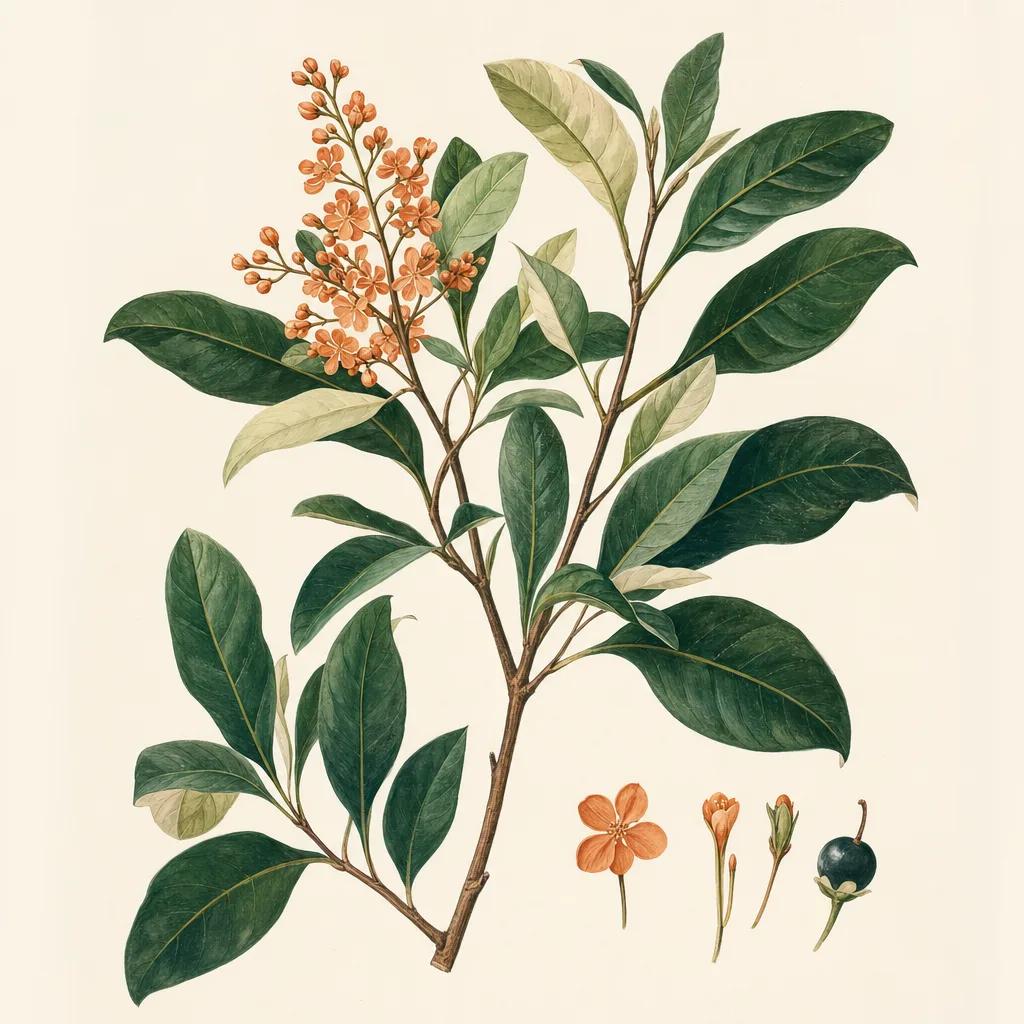
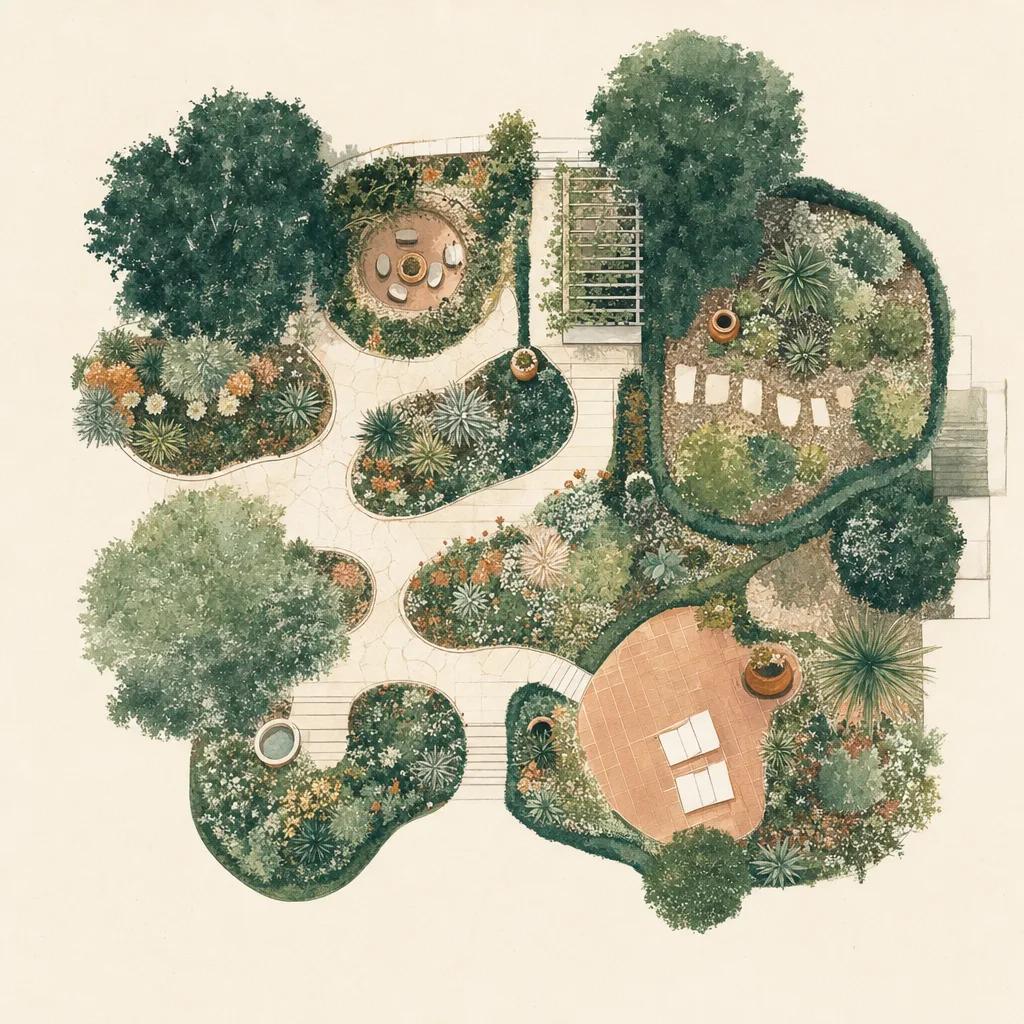
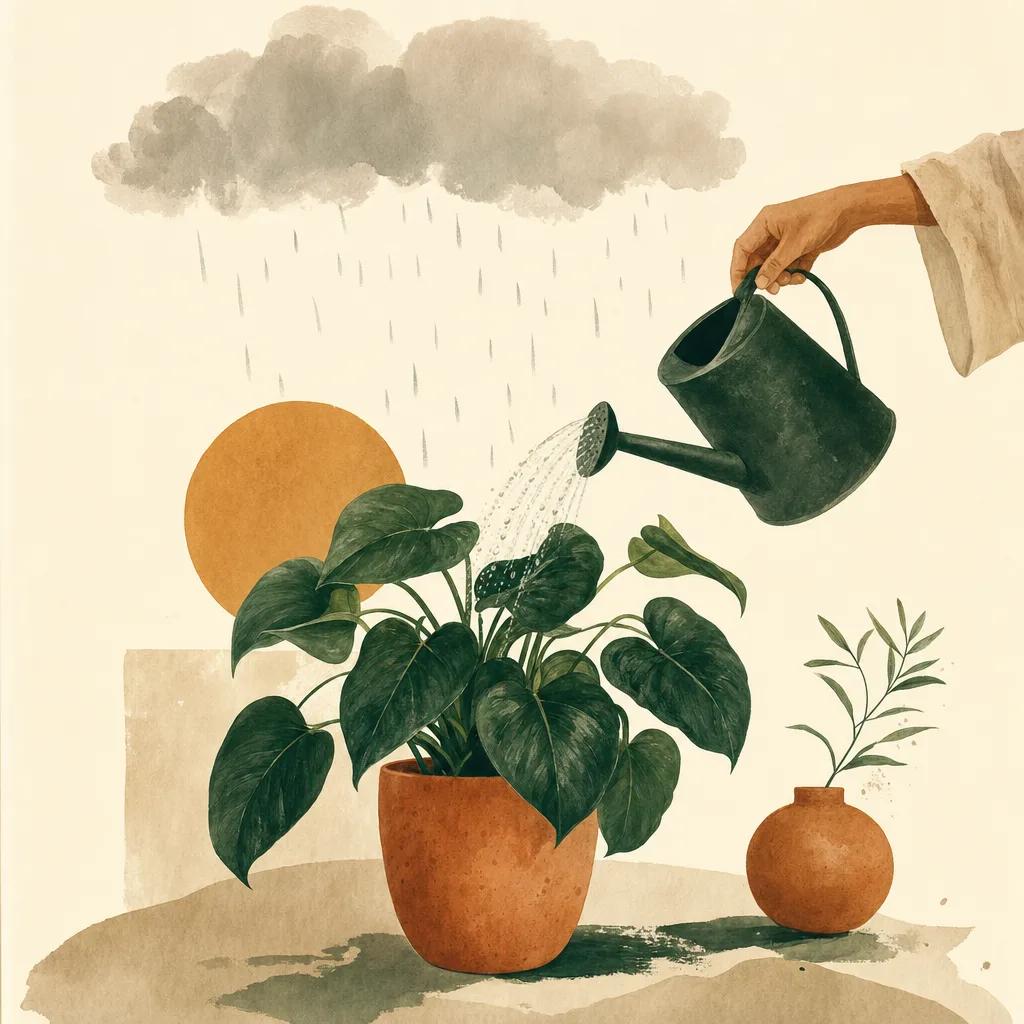
Illustration: plant tracker app

Identifying a plant is the easy part, and a dozen apps do it well. The hard part is everything after: remembering what you planted where, when it flowered, what went wrong last August, and what it needs this week. That is a tracking problem, not a recognition problem — and most plant apps stop before they get there.

Sow starts at identification and keeps going. Point the camera, get the species, save it into one of your spaces — and from that moment the plant has a file: its care schedule, its bloom window, its photos over time, and its current price if you want another one.

From identification to a real record

A camera identification in Sow is not a dead end — it is an entry point. The plant is added to your garden with its real hardiness range, mature size, sun and soil needs, and care calendar attached, so the app immediately knows how to look after it.

Care that fits the plant and the week

Different plants want different things in different months, and outdoors the weather gets a vote. Sow builds each plant's tasks from its real care data — prune in late winter, divide in early spring, watch for scale in May — and then adjusts for what the sky is actually doing where you live.

Years of history, not a snapshot

Photograph a plant through the seasons and Sow builds its timeline. Two years in, you can see the same hydrangea in three consecutive Junes and know, with evidence, whether it is thriving or slowly failing.


Step by step

How to track a plant with Sow

  1. 01

    Identify it

    Point your camera at the plant and Sow names the species.

  2. 02

    Save it to a space

    Add it to the bed or border it lives in, so its care lands in the right place.

  3. 03

    Get its care schedule

    Sow attaches the plant's real care calendar and adjusts it to your local weather.

  4. 04

    Photograph it over time

    Add observations as it grows, flowers, or struggles — they build its timeline.

  5. 05

    Watch its price

    If you want more of it, Sow tracks its price across the nurseries we follow and tells you when it drops.

Try it in Sow — free

Free to download on iPhone and Android — design your space with real plants, identify what's already growing, and save it all into your own library.

Download Sow on the App StoreGet Sow on Google Play

Frequently asked questions

What is the best plant tracker app?+

For indoor collections, a houseplant scheduler like Planta is excellent. For plants growing outside, you want hardiness zones, seasonal care, and real weather in the loop — that is what Sow is built for, with identification, tracking, and design in one place.

Can I track plants I already have?+

Yes. Identify anything already growing with the camera and save it into a space — you do not have to have planted it through Sow.

Does it work for vegetables and herbs too?+

Sow focuses on outdoor ornamental and landscape plants — beds, borders, shrubs, trees, grasses and containers. Its catalog is deepest there.

Explore the plant data yourself

Every plant in a Sow design is real and published — 11,000+ outdoor species with hardiness zones, mature size, bloom timing, and prices we re-check daily.